
Skylight Calendar Review
The fridge calendar, digitised
As an Amazon Associate, Karen Verified earns from qualifying purchases. That never changes our verdict.
Verdict: Good, With a Catch
Good, With a CatchThe short answer: Having the family week on the kitchen wall in large type has cut down on the who-is-picking-up-whom conversations in our house. It works as promised, but the features that make it more than a mirror of your phone calendar are a recurring charge.
- Buy it if
- Households with two working parents, multiple kids' schedules and a kitchen wall to spare.
- Skip it if
- You already run a shared phone calendar and everyone actually looks at it.
- Best feature
- Big, always on, pulls in Google and Apple calendars, and kids can read it without a phone.
- Biggest annoyance
- The good features sit behind a yearly plan, and the touchscreen is slow to respond.
- The catch
- Chore charts, meal planning and photo screensaver need the paid Plus plan, so the price you see is not the price you pay over five years. The screen is also fairly dim in a sunny kitchen.
- Evaluation
- In use since November 2025
- Model
- Skylight Calendar 15"
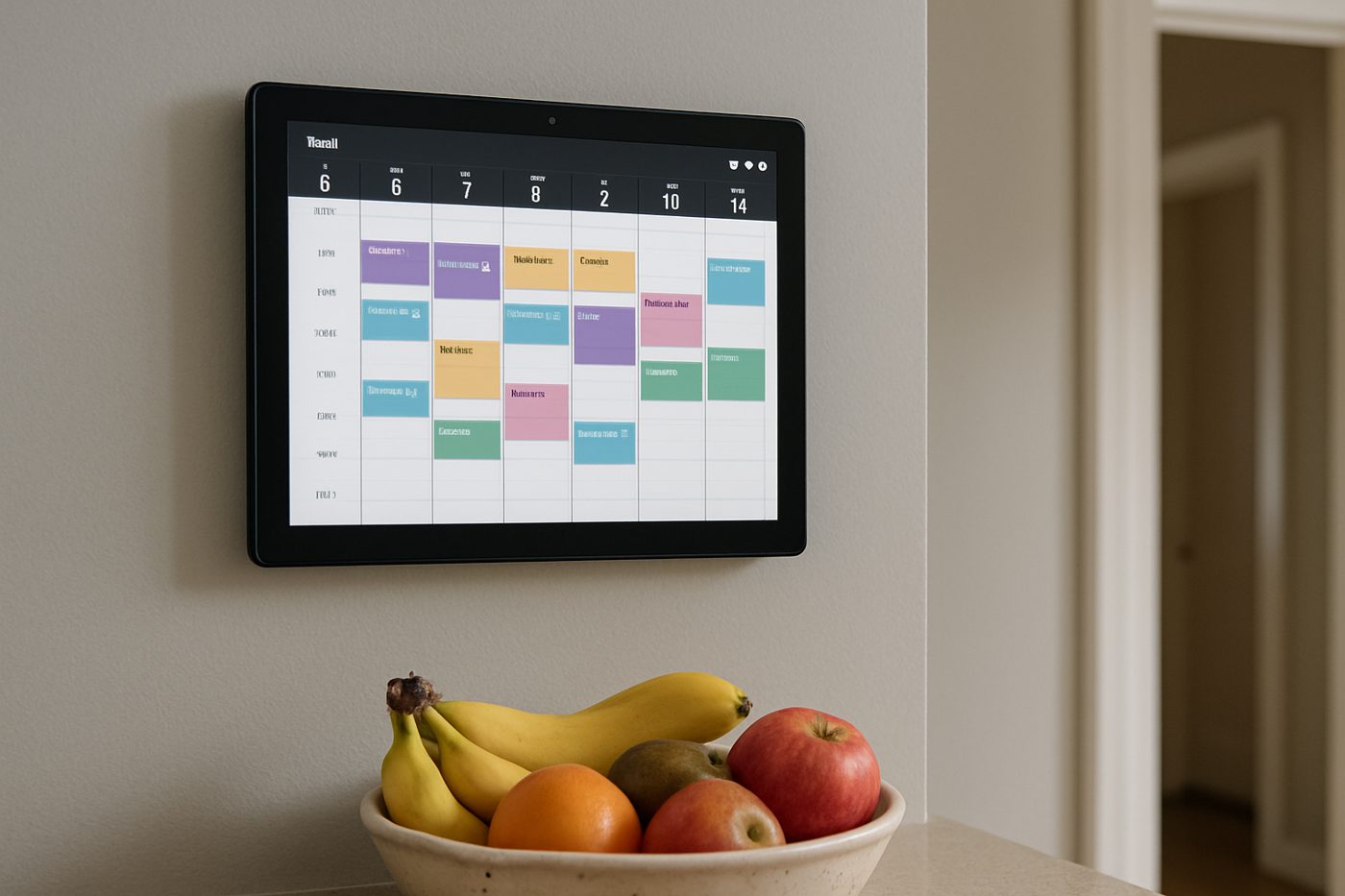
The 20-second verdict
The fridge calendar, digitised Having the family week on the kitchen wall in large type has cut down on the who-is-picking-up-whom conversations in our house. It works as promised, but the features that make it more than a mirror of your phone calendar are a recurring charge. Best for: Households with two working parents, multiple kids' schedules and a kitchen wall to spare. Skip if: You already run a shared phone calendar and everyone actually looks at it.
What we loved, and what annoyed us
What we loved
- Everyone in the house sees the same schedule without opening a phone
- Colour-coded per person and readable from across the room
- Set-up with Google Calendar took minutes
- Kids started checking it on their own
What annoyed us
- Chores, meals and lists require the paid Plus plan
- Touch response lags and the on-screen keyboard is clumsy
- Dim in direct sunlight and needs a nearby outlet
What We Loved
The first week it was on the wall, the after-school shuffle stopped being a group text. Each person has a colour, the day view is large enough to read from the stove, and events added on a phone appear within a minute or two. Our nine-year-old now checks it before asking what is happening on Saturday, which we did not expect. The stand is sturdy and the wall mount is simple.
What Annoyed Us
The touchscreen feels a generation behind a phone: taps register late, scrolling stutters, and typing an event on the device itself is slow enough that we always reach for a phone instead. The chore chart, which is the feature we wanted for the kids, turned out to need the Plus subscription.
The Catch
Budget for the Plus plan if chores, meal planning or the photo frame mode matter to you. Without it, this is a large, pleasant read-only view of calendars you already have. With it, the annual cost quietly becomes the real cost of the product.
Who it is for
- Busy families juggling multiple schedules
- Kids old enough to read but too young for phones
- Anyone whose partner never looks at the shared calendar
Who should skip it
- Households where the phone calendar already works
- Anyone allergic to subscriptions
How we evaluated it
- Evaluation period
- Ten months on a kitchen wall
- Where
- Kitchen wall near a window
- What we did with it
- Family scheduling across two Google accounts and one iCloud account, chore chart trial, meal planning trial
- Compared against
- A paper wall calendar and a shared Google Calendar on a tablet
- What we looked at
- Sync delay by observation, how often family members actually looked at it, screen visibility at different times of day
- Limitations
- We did not test the 10-inch or 27-inch sizes or Outlook sync
- Product source
- Purchased at retail
- Dates
- November 2025 – ongoing
Read how we evaluate products and our editorial standards.
Performance
Sync is reliable; in ten months we saw one event fail to appear and a reboot fixed it. Wi-Fi reconnected on its own after outages. The display is sharp but not bright, and by mid-afternoon our west-facing kitchen washes it out. The device has never crashed, though it has once needed a power cycle after an update.
Ease of use, design, and build quality
Ease of use
Set-up is guided and quick. Day-to-day, adding from a phone is easy and adding on the screen is tedious. The layout choices are sensible and the week view is the one everyone uses.
Design and build quality
A plain black bezel around a bright white screen; it looks like a large tablet on the wall because it is one. The included stand is more stable than expected.
Privacy and connectivity
Requires a Skylight account and access to your calendar accounts; calendars are synced through Skylight's servers.
Safety notes
Mains-powered with a wall adapter; the cord needs routing away from small hands. No exposed hot surfaces.
Cleaning, maintenance, and ongoing costs
Wipe the screen. Updates install themselves overnight. Occasionally a calendar disconnects and needs re-authorising in the app.
What it keeps costing you
| Consumables | Optional Plus subscription |
|---|---|
| Expected life | Several years, hardware willing; support depends on the company |
Value
A tablet on a stand with a free calendar app gets you most of the read-only value for less. What you pay for here is the polish, the wall mounting and a device that stays on the calendar and never wanders off to a game.
Alternatives
An old iPad in a stand running a shared Google Calendar does the read-only part.
A magnetic whiteboard weekly planner is the analogue answer and it never needs charging.
Also in Family
 Karen Verified
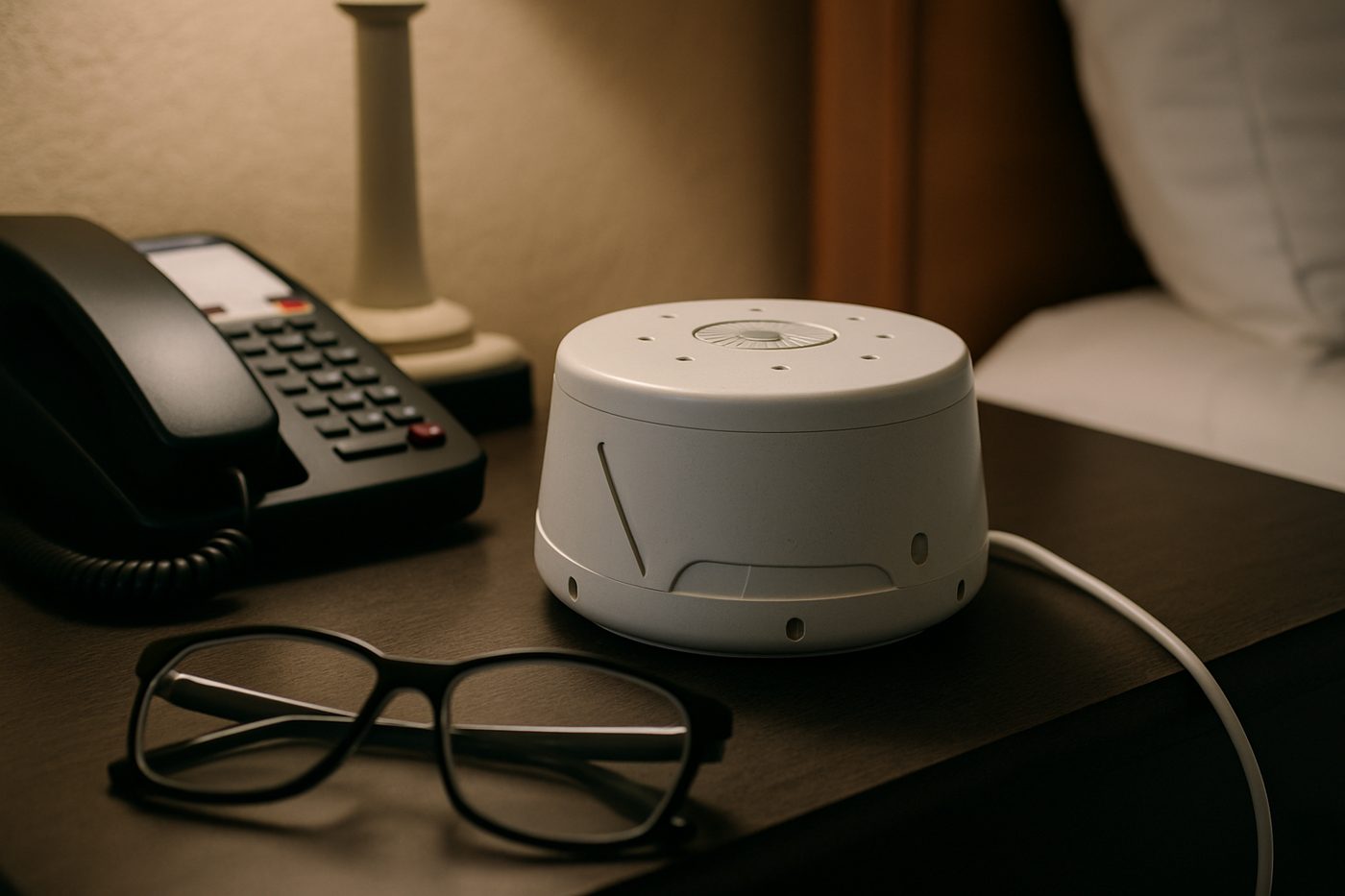
Yogasleep Dohm Classic White Noise Machine
One knob. A real fan. No app, no account, no glow.
 Good, With a Catch
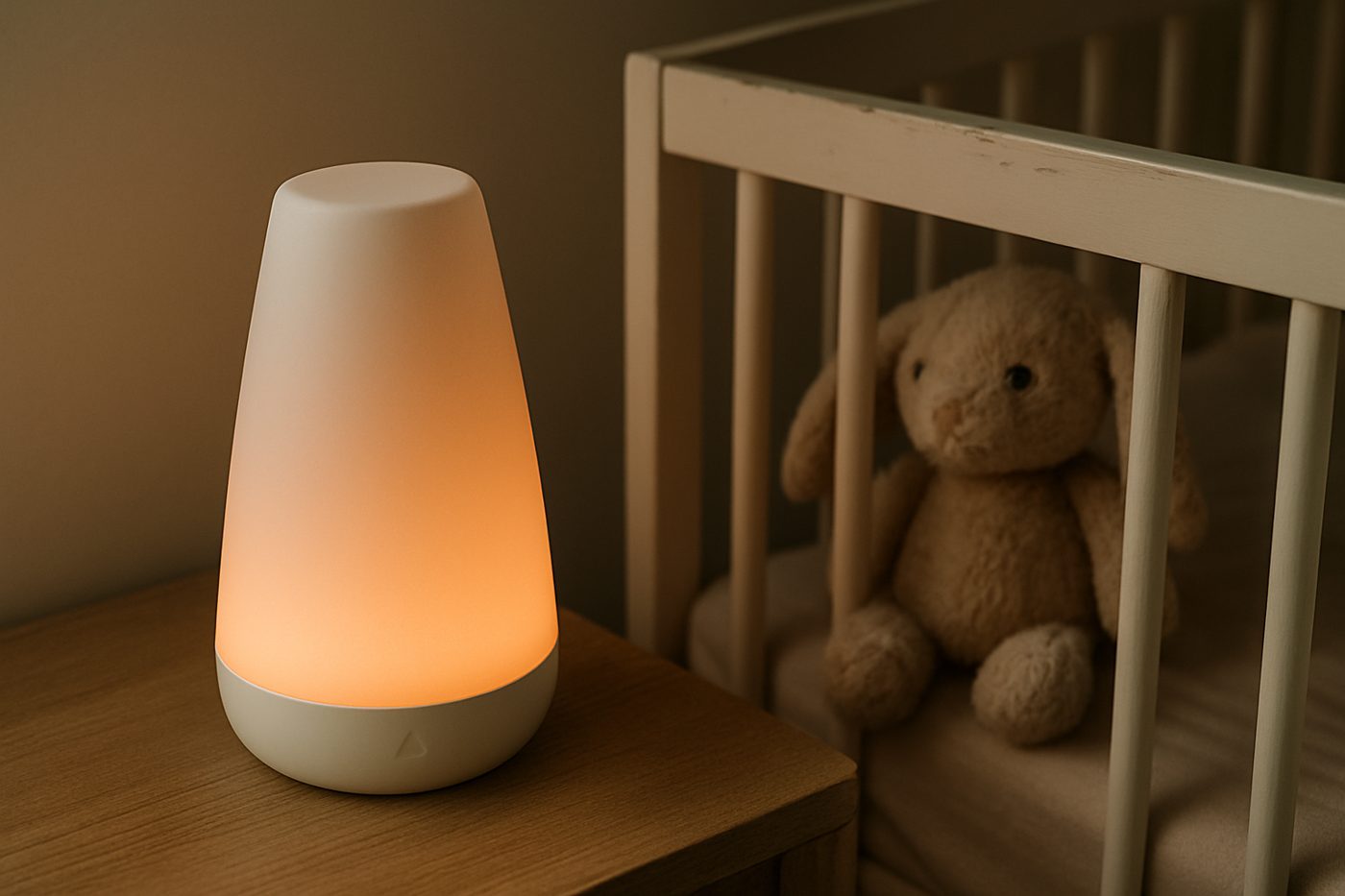
Hatch Rest (2nd Gen) Sound Machine & Night Light
Genuinely useful for bedtime routines. Increasingly a subscription pitch.
 Karen Verified
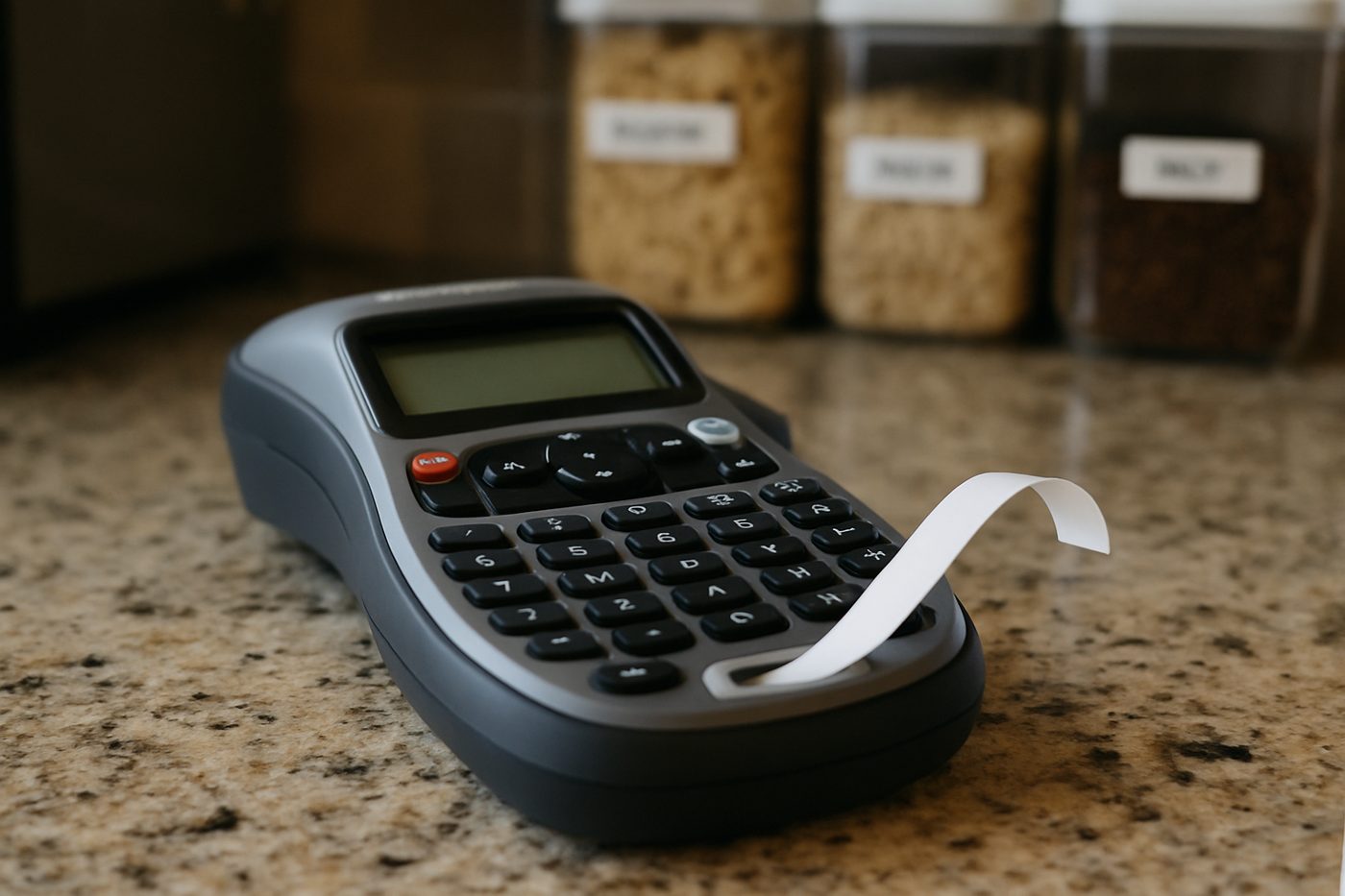
Brother P-touch PT-D210 Label Maker
A label maker with real buttons that makes labels, which is more than most gadgets manage.
Specifications
| Brand / model | Skylight Calendar 15" |
|---|---|
| Screen | 15 inch touchscreen, 1920 x 1080 (manufacturer states) |
| Connectivity | Wi-Fi |
| Calendars | Google, Apple iCloud, Outlook, Yahoo, Cozi (manufacturer states) |
| Mounting | Wall mount or included stand |
| Power | Wall adapter |
| Extras | Chores, meals and lists with the Plus plan |
Only specifications that affect the buying decision are listed. Figures marked “manufacturer states” are the maker's claims, not our measurements.
Warranty and returns
Manufacturer states a one-year limited warranty; returns are set by the retailer.
Reader questions
Can each family member have a colour?
Does it work without the subscription?
Final verdict
Verdict: Good, With a Catch
Good, With a CatchIt genuinely reduced our scheduling noise, and we would like it more if the good parts came with the box.
- Best for
- Households with two working parents, multiple kids' schedules and a kitchen wall to spare.
- Skip if
- You already run a shared phone calendar and everyone actually looks at it.
- Main strength
- Big, always on, pulls in Google and Apple calendars, and kids can read it without a phone.
- Main weakness
- The good features sit behind a yearly plan, and the touchscreen is slow to respond.
As an Amazon Associate, Karen Verified earns from qualifying purchases. That never changes our verdict.
Update and correction history
- Published.Why: Initial evaluation.Verdict unchanged
See something wrong? Request a correction.
As an Amazon Associate, Karen Verified earns from qualifying purchases. If you buy through links on this site we may receive a commission. You do not pay more because of this. Affiliate relationships do not determine which products we evaluate, recommend, criticize, or reject. Brands cannot buy a Karen Verified verdict. Full affiliate disclosure. Photographs on this page illustrate the product in use and are not test evidence; see our image policy.