
Logitech Brio 4K Ultra HD Webcam Review
The 4K that calls cannot use
As an Amazon Associate, Karen Verified earns from qualifying purchases. That never changes our verdict.
Verdict: Not Verified
Not VerifiedThe short answer: It is sharp in a bright room and it can do things the C920S cannot, but on an ordinary call none of that arrives at the other end. Out of the box the picture is harsh, and the camera that replaced it is better. We could not recommend it.
- Buy it if
- People who record locally at 4K and are happy to tune settings in software.
- Skip it if
- You just want to look good on calls, which is nearly everyone.
- Best feature
- Sharp in good light, wide field of view options, works as a Windows Hello camera.
- Biggest annoyance
- Default picture is oversharpened and cool, the 4K goes to waste on calls, and the mount is odd.
- The catch
- Video calls are compressed to well below 4K. What you actually get is a 1080p picture that needs software tuning to beat the C920S, for a lot more money.
- Evaluation
- Retired after five months
- Model
- Logitech Brio (original)
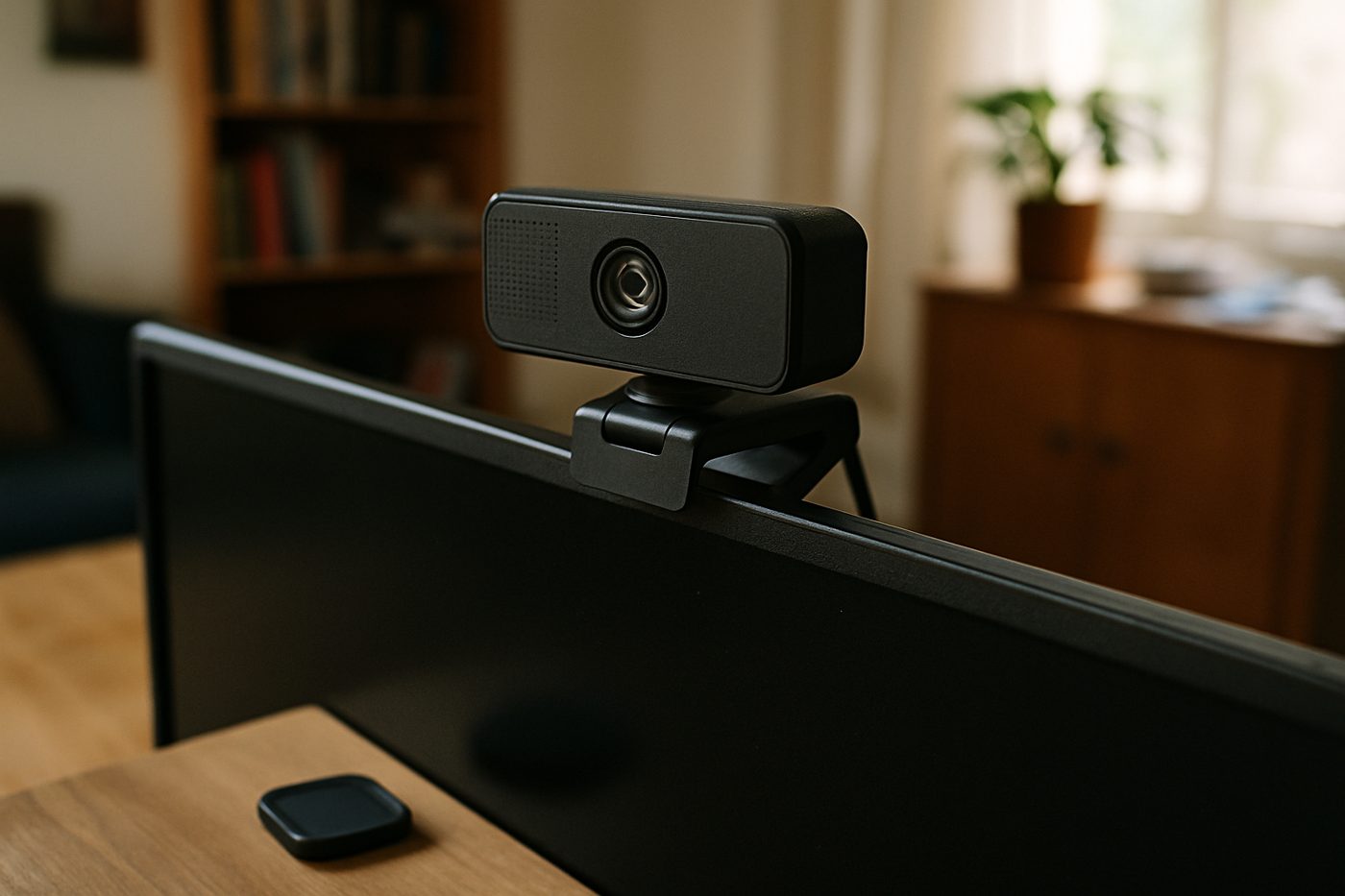
The 20-second verdict
The 4K that calls cannot use It is sharp in a bright room and it can do things the C920S cannot, but on an ordinary call none of that arrives at the other end. Out of the box the picture is harsh, and the camera that replaced it is better. We could not recommend it. Best for: People who record locally at 4K and are happy to tune settings in software. Skip if: You just want to look good on calls, which is nearly everyone.
What we loved, and what annoyed us
What we loved
- Very sharp in good light
- Choice of three fields of view
- Infrared for Windows Hello login
What annoyed us
- Default image looks oversharpened
- Software needed to fix it
- 4K is wasted on calls
- Superseded by the MX Brio
What We Loved
In a bright room, recording locally, the detail is impressive; you can read the spines on the bookshelf behind you. The 90-degree view fits two people at a kitchen table. The infrared logon on a Windows machine is genuinely convenient, and it was the reason one of us kept it as long as we did.
What Annoyed Us
Plugged in and left alone, faces look crunchy and slightly blue. Fixing that means installing Logitech's software and turning down sharpness and adjusting white balance, and those settings sometimes reset. On a call, colleagues could not tell it from the C920S. The clip mount is a two-piece affair that tips forward on thin monitors.
The Catch
Resolution is not the bottleneck on video calls; compression and light are. A 1080p camera with a light in front of you beats a 4K camera without one, and the 4K here does not survive the trip through any meeting app we used.
Who it is for
- Local 4K recording in a well-lit room
- Windows users who want face login
Who should skip it
- Everyone who mainly uses it for calls
- Anyone who does not want to tune settings
How we evaluated it
- Evaluation period
- Five months, then retired
- Where
- Home office on a monitor, Windows and Mac
- What we did with it
- Daily calls, some local recordings, Windows Hello login
- Compared against
- The Logitech C920S and the newer Logitech MX Brio
- What we looked at
- How colleagues rated the picture on calls, detail in local recordings by eye, how often software settings reset, focus behaviour
- Limitations
- We did not use it for streaming or with a capture card
- Product source
- Purchased at retail
- Dates
- November 2025 – ongoing
Read how we evaluate products and our editorial standards.
Performance
Focus is quick. HDR helps with a bright window behind. Sharpness at default is too high and it shows on skin. With tuning it is very good; without it, it is worse than a cheaper camera. 1080p at 60 fps is smooth if your app supports it.
Ease of use, design, and build quality
Ease of use
Plug and play for basic use; software for anything else. The field-of-view switch is in the app only.
Design and build quality
A flat black rectangle with a detachable clip that never quite sits flat. It looks more serious than the C920S and mounts worse.
Privacy and connectivity
Works without an app. The included clip-on privacy cover is a separate plastic piece that is easy to lose. Logitech's software is optional but practically needed for a good picture.
Safety notes
Nothing to note.
Cleaning, maintenance, and ongoing costs
Wipe the lens.
What it keeps costing you
| Consumables | None |
|---|---|
| Expected life | Years, but its successor exists |
Value
Costs considerably more than the C920S and looks the same on a call. The MX Brio costs similar money and fixes most of what is wrong here.
Alternatives
The Logitech C920S Pro gives the same call quality for much less.
The Logitech MX Brio has a larger sensor, better low light and a cleaner default picture.
Also in Office & Desk
 Karen Verified
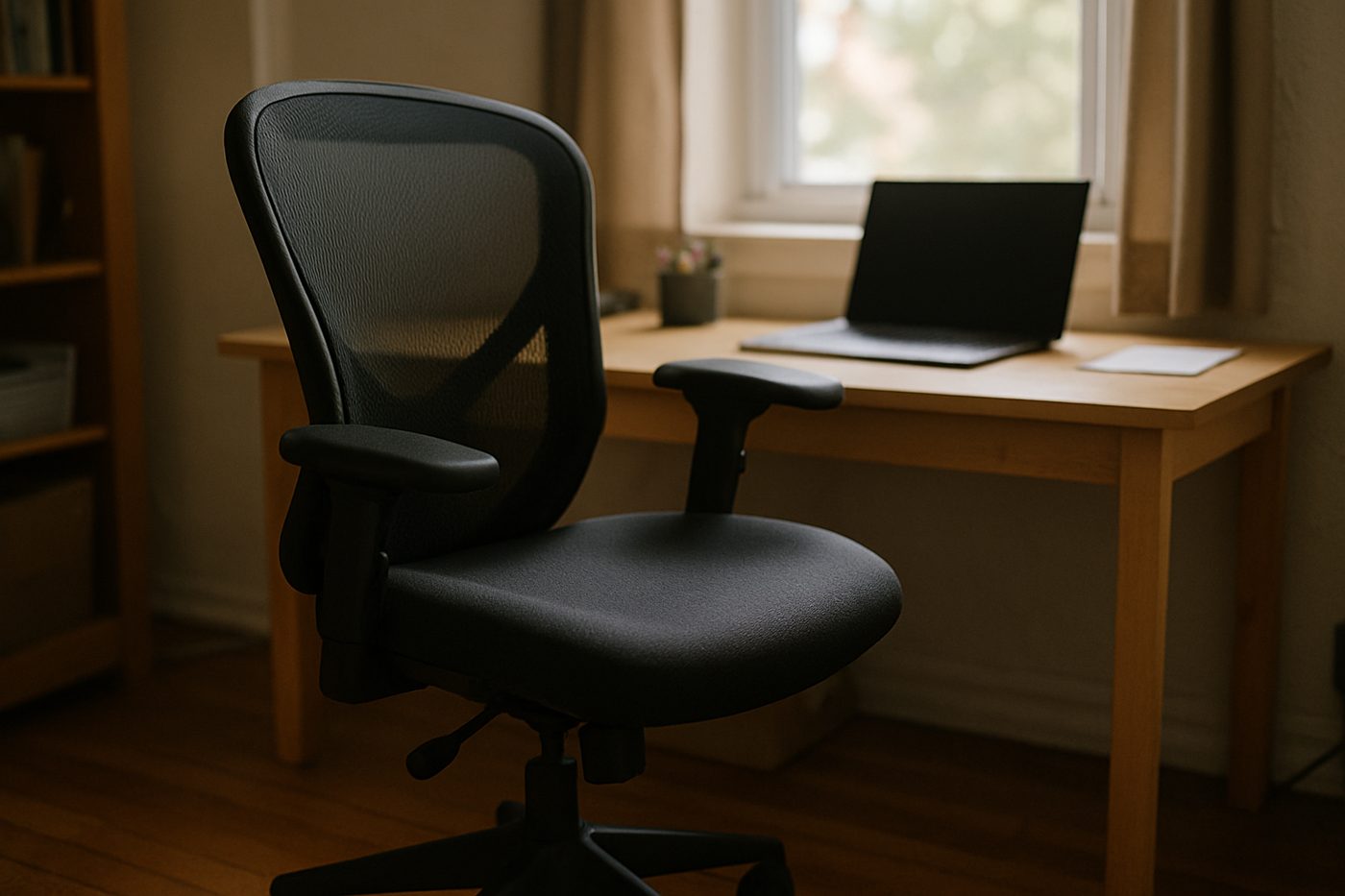
Steelcase Series 1 Office Chair, Licorice
The least expensive chair from a serious office-furniture maker, and it feels like one.
 Worth It
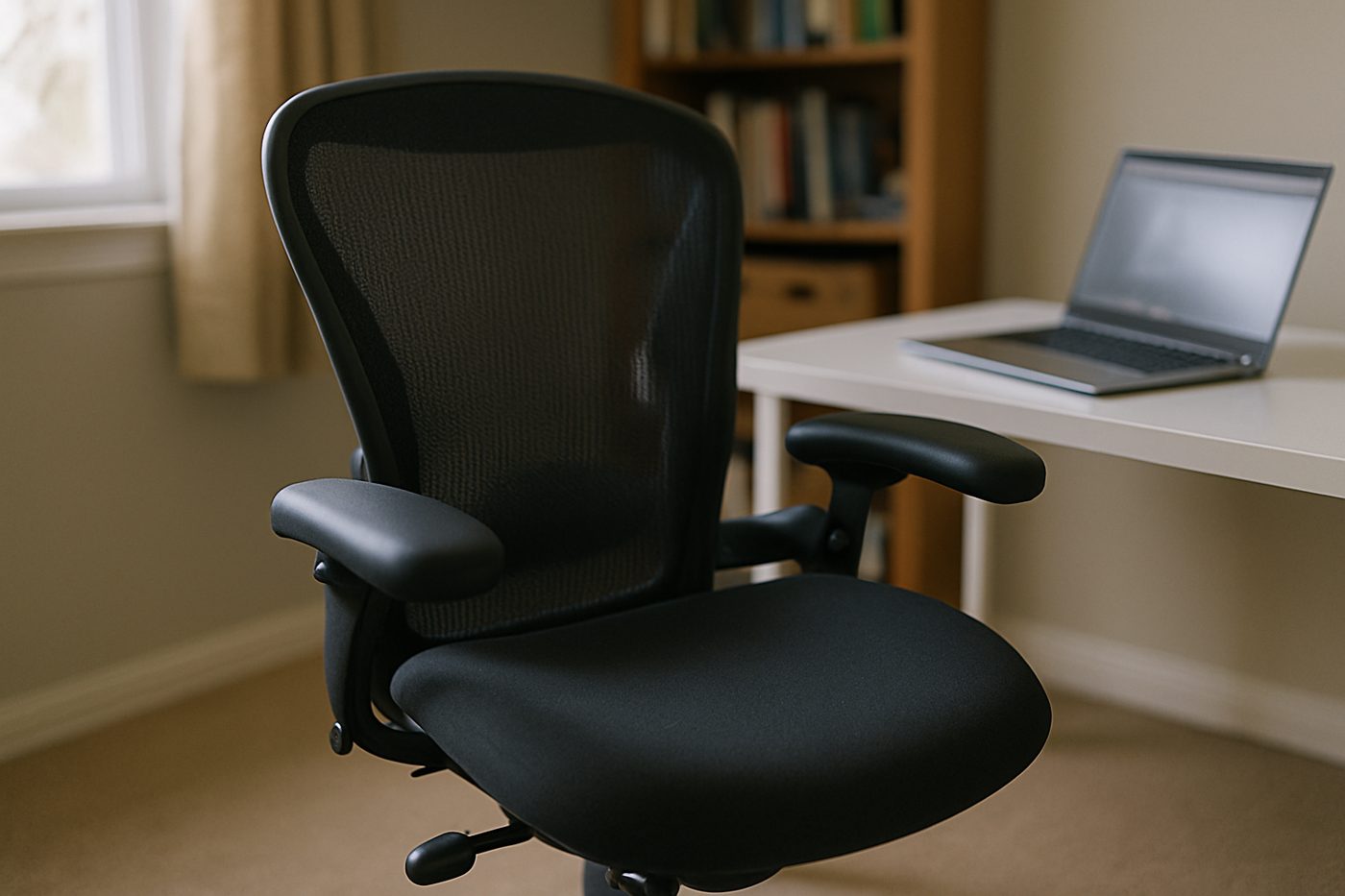
HON Ignition 2.0 Mid-Back Mesh Task Chair, Black
A wide, padded, adjustable chair from a company that mostly sells to offices, minus the showroom price.
 Good, With a Catch
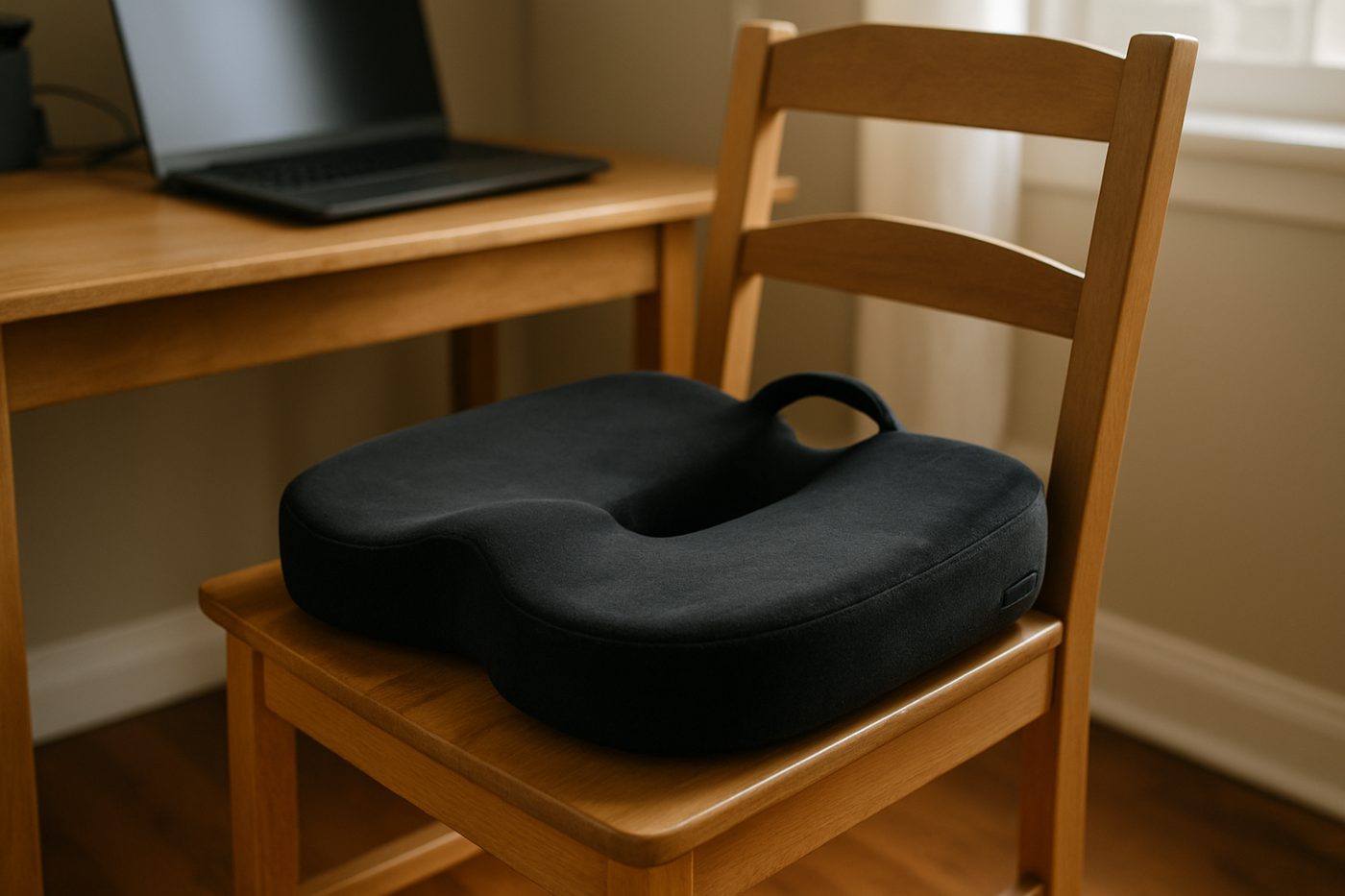
Everlasting Comfort Memory Foam Seat Cushion, Black, Large
Takes the edge off a hard chair for a few months, then slowly stops.
Specifications
| Brand / model | Logitech Brio (original) |
|---|---|
| Resolution | 4K at 30 fps, 1080p at 60 fps (manufacturer states) |
| Field of view | 65, 78 or 90 degrees, selectable in software |
| Focus | Autofocus |
| HDR | Yes (manufacturer states) |
| Connection | USB-C to USB-A cable |
| Extras | Windows Hello infrared |
Only specifications that affect the buying decision are listed. Figures marked “manufacturer states” are the maker's claims, not our measurements.
Warranty and returns
Logitech states a limited hardware warranty; returns are set by the retailer.
Reader questions
Does 4K matter on Zoom or Teams?
Does it need software?
Final verdict
Verdict: Not Verified
Not VerifiedNot verified. Buy the C920S and a light, or the MX Brio.
- Best for
- People who record locally at 4K and are happy to tune settings in software.
- Skip if
- You just want to look good on calls, which is nearly everyone.
- Main strength
- Sharp in good light, wide field of view options, works as a Windows Hello camera.
- Main weakness
- Default picture is oversharpened and cool, the 4K goes to waste on calls, and the mount is odd.
As an Amazon Associate, Karen Verified earns from qualifying purchases. That never changes our verdict.
Update and correction history
- Published.Why: Initial evaluation.Verdict unchanged
See something wrong? Request a correction.
As an Amazon Associate, Karen Verified earns from qualifying purchases. If you buy through links on this site we may receive a commission. You do not pay more because of this. Affiliate relationships do not determine which products we evaluate, recommend, criticize, or reject. Brands cannot buy a Karen Verified verdict. Full affiliate disclosure. Photographs on this page illustrate the product in use and are not test evidence; see our image policy.