
Dell S2722QC vs. LG 27UP850-W
Two 27-inch 4K monitors with a USB-C cable that charges your laptop. The Dell is the sensible one. The LG is brighter, more colourful and charges harder.
As an Amazon Associate, Karen Verified earns from qualifying purchases. That never changes our verdict.
Overall winner: LG 27UP850-W 27-inch UltraFine 4K USB-C Monitor
Overall winner for most people: LG 27UP850-W — the brighter panel and the stronger USB-C charging matter every day, and the Dell's weaknesses are the kind you notice after a week. The Dell wins if all you want is crisp text and a tidy desk.
Best for Writers, coders and spreadsheet people with a thin laptop
Dell S2722QC 27-inch 4K USB-C Monitor
Best for MacBook users, photo editors, bright rooms
LG 27UP850-W 27-inch UltraFine 4K USB-C Monitor
The primary tradeoff: Enough versus more. The Dell is a good 4K panel with modest brightness and modest charging; the LG gets bright, covers more colour, and powers a heavier laptop over the same cable.
| Attribute | Dell S2722QC 27-inch 4K USB-C Monitor Wait for a Sale | LG 27UP850-W 27-inch UltraFine 4K USB-C Monitor Karen Verified |
|---|---|---|
| Best for | Text-heavy work, tidy single-cable desks | Colour work, MacBooks, bright rooms |
| Sharpness | Crisp 4K text | Crisp 4K text |
| Brightness | Modest; fine in a dim room | Bright enough for a sunny office |
| Colour | Good for office work | Wide coverage, pleasant for photos |
| Blacks in a dark room | Greyish, as IPS panels are | Greyish, as IPS panels are |
| USB-C power delivery (manufacturer claim) | 65 W | 90 W |
| Ports | USB-C, two HDMI, small USB-A hub | USB-C, DisplayPort, two HDMI, two USB-A |
| Stand | Height, tilt, pivot, swivel | Height, tilt, pivot |
| Speakers | Built in, weak | Built in, unremarkable |
| Biggest annoyance | The dim panel | The joystick menu |
| Size and resolution | 27 in, 3840 x 2160 | 27 in, 3840 x 2160 |
| Panel | IPS, 60 Hz | IPS, 60 Hz |
| USB-C power delivery | 65 W (manufacturer states) | 90 W (manufacturer states) |
| Ports | USB-C, HDMI x2, USB-A hub | USB-C, DisplayPort, HDMI x2, USB-A x2 |
| Stand | Height, tilt, pivot, swivel | Height, tilt, pivot |
✓ marks the category winner. Rows with identical values are hidden by “Show only differences”.
Final recommendation
Buy Dell S2722QC 27-inch 4K USB-C Monitor if…
Buy the Dell S2722QC if you type for a living, plug in a thin laptop, and want a stand that swivels without paying for colour you will not use.
Buy LG 27UP850-W 27-inch UltraFine 4K USB-C Monitor if…
Buy the LG 27UP850-W if your laptop draws more power than a light ultrabook, you edit photos, or your desk faces a window.
Buy neither if…
Buy neither if you game and want high refresh rates. Both are 60 Hz office panels, and a gaming monitor is a different purchase.
Both products
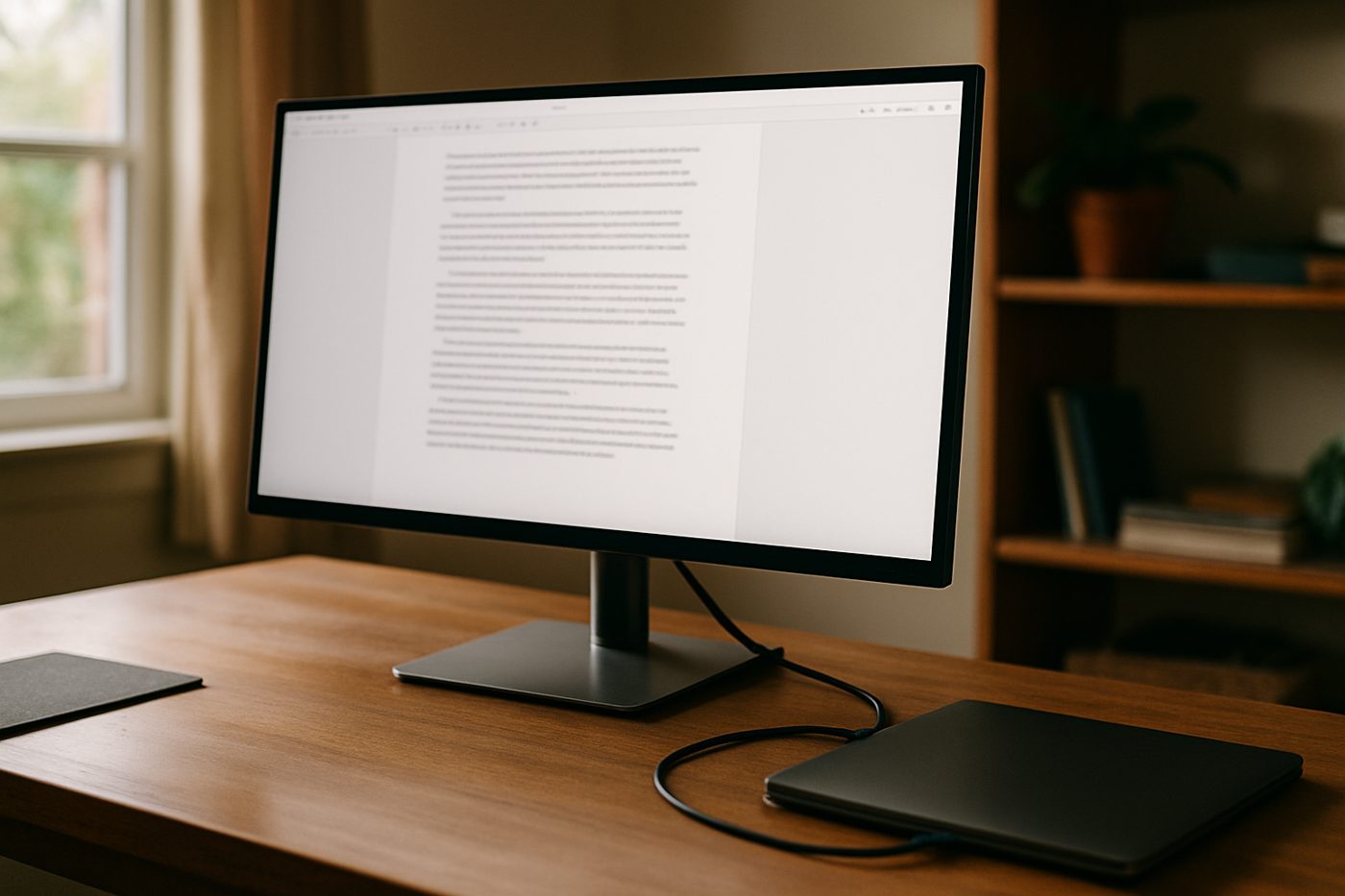 Wait for a Sale
Dell S2722QC 27-inch 4K USB-C Monitor
A sharp 4K screen with USB-C charging that sits a clear tier below the UltraSharp in cost and only a small step below it in use.
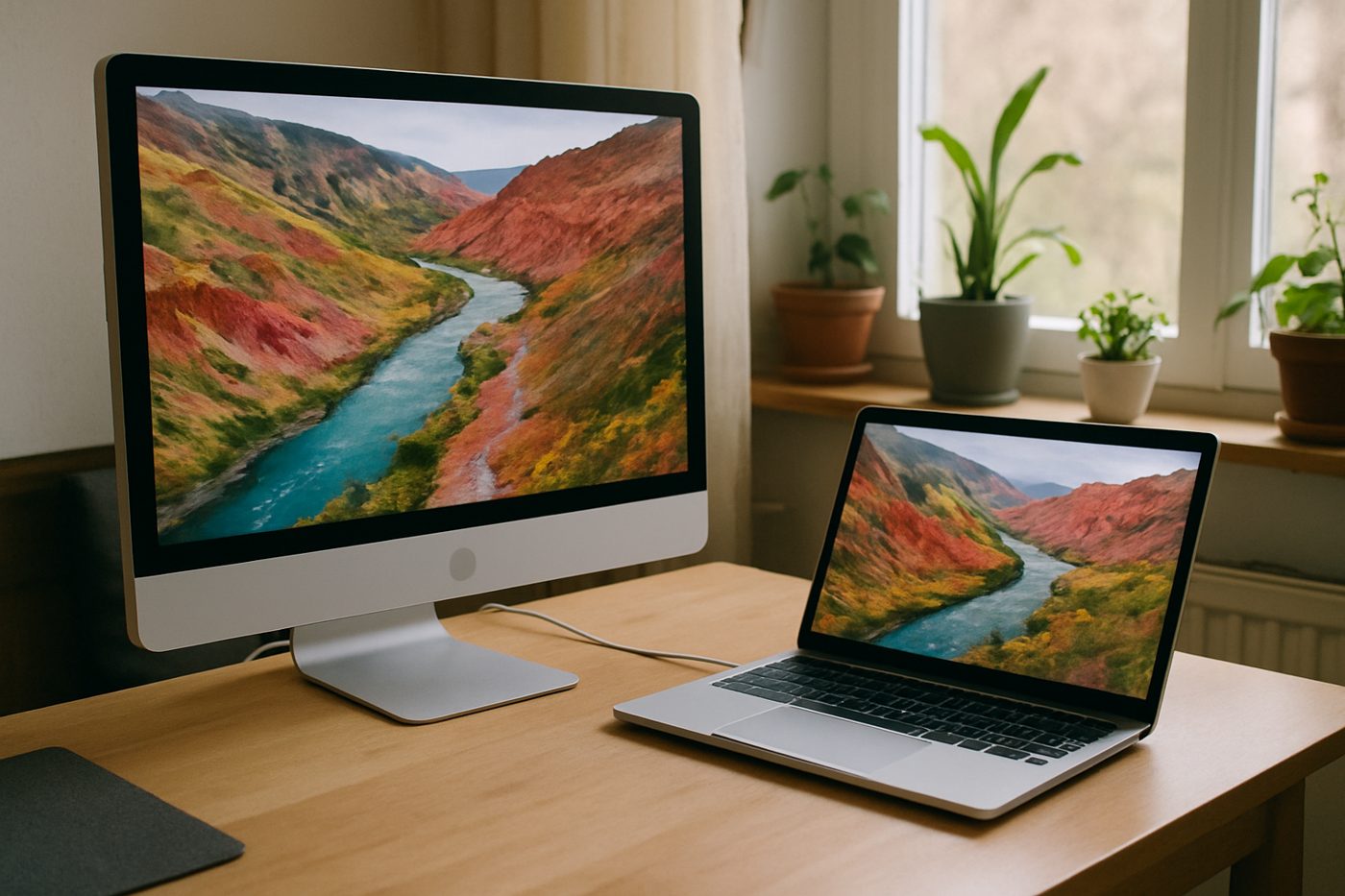 Karen Verified
LG 27UP850-W 27-inch UltraFine 4K USB-C Monitor
The bright, colourful 4K that Mac people buy when the Apple display costs too much.
As an Amazon Associate, Karen Verified earns from qualifying purchases. That never changes our verdict.