
Dell S2722QC 27-inch 4K USB-C Monitor Review
The sensible 4K for a laptop desk
As an Amazon Associate, Karen Verified earns from qualifying purchases. That never changes our verdict.
Verdict: Wait for a Sale
Wait for a SaleThe short answer: Sharp, tidy, one cable to a laptop, and a stand that moves in every direction. It is the least expensive way we know to get a good 4K USB-C panel with a real stand.
- Buy it if
- Laptop users who want one cable for video and power and a very sharp text display.
- Skip it if
- You edit photos for a living, or you game and want high refresh.
- Best feature
- Crisp 4K text, a single USB-C cable to a laptop, and a stand that adjusts properly.
- Biggest annoyance
- Weak speakers, modest brightness, and the USB-C power is enough for a light laptop, not a heavy one.
- The catch
- It is the budget member of a family, and the compromises are real: dim speakers, modest brightness and a small hub. It earns its place by being the least you can spend on a good 4K USB-C panel, not by being the best.
- Evaluation
- In use since December 2025
- Model
- Dell S2722QC
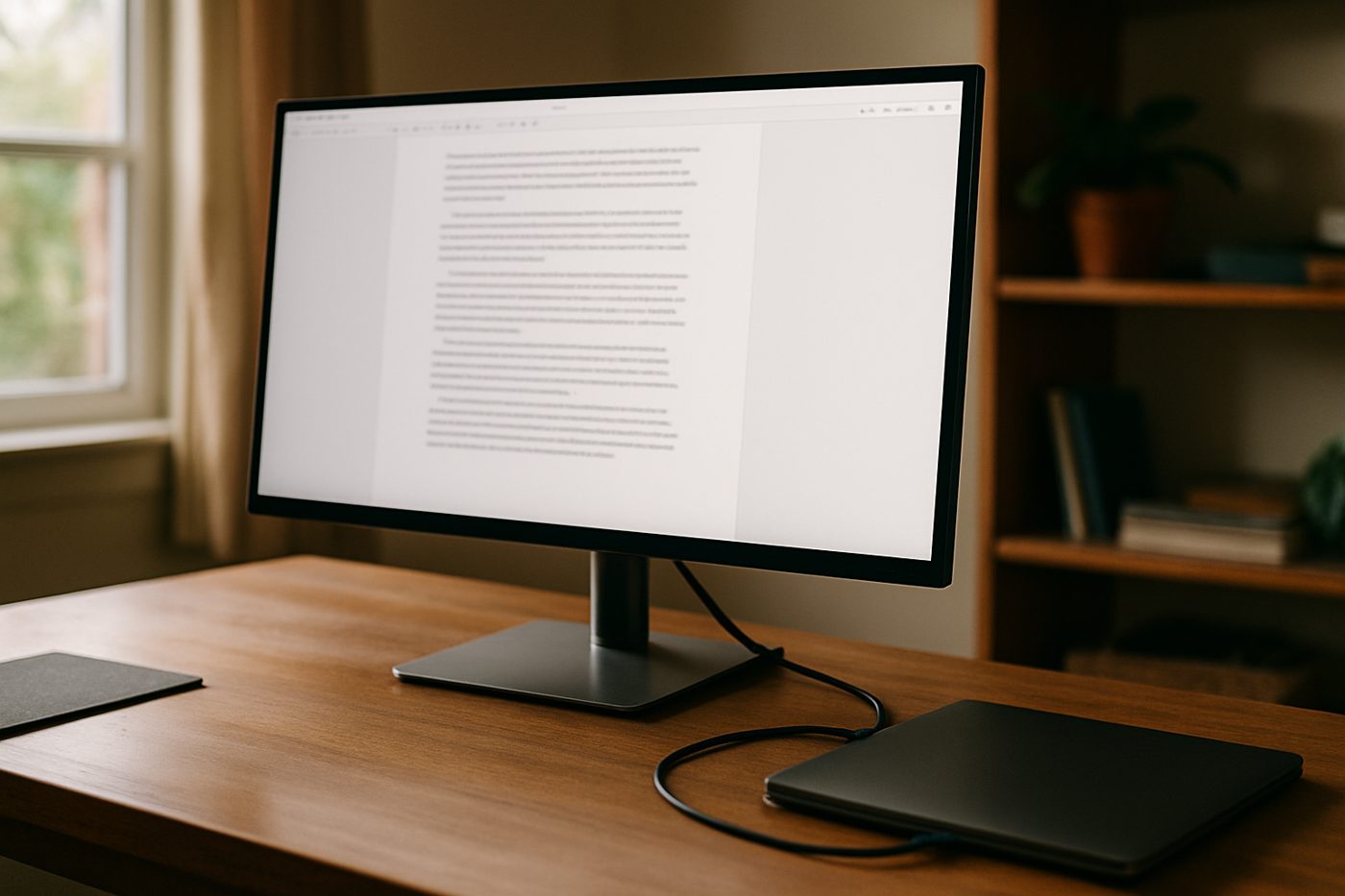
The 20-second verdict
The sensible 4K for a laptop desk Sharp, tidy, one cable to a laptop, and a stand that moves in every direction. It is the least expensive way we know to get a good 4K USB-C panel with a real stand. Best for: Laptop users who want one cable for video and power and a very sharp text display. Skip if: You edit photos for a living, or you game and want high refresh.
What we loved, and what annoyed us
What we loved
- 4K text is genuinely crisp at 27 inches
- USB-C carries video and charges a laptop
- Fully adjustable stand
- Thin bezels and a clean look
What annoyed us
- Speakers are barely there
- Not bright enough for a sunny window
- 65 W charging falls short for power-hungry laptops
What We Loved
Text is the reason to own it. Code and documents at 4K on 27 inches look like print, and the difference from a 1440p panel is obvious the first morning. One USB-C cable from the laptop gives video, charging and the two USB-A ports on the back, so docking is a single plug. The stand goes up high enough for a tall person and pivots to portrait without a fight.
What Annoyed Us
The speakers are a courtesy, not a feature; a call through them sounds like a phone in a cup. On bright afternoons the panel is not quite bright enough against a window. A 16-inch MacBook Pro charges slowly from the 65 W port under load.
The Catch
It is a budget panel dressed like a premium one. The thin bezels and the USB-C port suggest the UltraSharp; the speakers, brightness and two-port hub remind you it is not. Know which half you are buying.
Who it is for
- Laptop users who want a one-cable dock
- Writers, coders and anyone reading text all day
- Home offices that want a clean desk
Who should skip it
- Colour-critical work
- Gaming that needs more than 60 Hz
How we evaluated it
- Evaluation period
- Nine months of daily use
- Where
- Home office facing a window, on a VESA arm and on its own stand
- What we did with it
- Coding, writing, spreadsheets, video calls, some films
- Compared against
- A Dell UltraSharp U2723QE and an older 1440p LG
- What we looked at
- Text sharpness at normal viewing distance, brightness against window glare by eye, how long the laptop battery held under load on USB-C
- Limitations
- We did not measure colour accuracy with a probe or test HDR content seriously
- Product source
- Purchased at retail
- Dates
- December 2025 – ongoing
Read how we evaluate products and our editorial standards.
Performance
Uniformity is even across the panel with no obvious backlight bleed on ours. Colours are pleasant out of the box, a little cool until adjusted. Response is fine for office use and casual video. The USB hub is convenient but only two ports.
Ease of use, design, and build quality
Ease of use
A joystick on the back handles menus, which is better than buttons. Input switching is quick. The stand assembles without tools.
Design and build quality
Thin bezels on three sides, a silver stand, a plain back. It looks like a monitor from a company that makes millions of them, which it is.
Privacy and connectivity
No app, no account, nothing to connect. Dell offers optional display software; it is not required.
Safety notes
Standard monitor. The stand base is heavy and stable. Keep the ports clear of drinks.
Cleaning, maintenance, and ongoing costs
Microfibre cloth on the panel. Nothing else.
What it keeps costing you
| Consumables | None |
|---|---|
| Expected life | Five years or more of office use |
Value
Against the UltraSharp line you give up some brightness, colour accuracy and ports and keep most of what matters for text. For the money it is the best 4K USB-C monitor we have used.
Alternatives
The Dell UltraSharp U2723QE adds Ethernet, more USB and a better panel.
The LG 27UP850-W is brighter with a similar spec sheet.
Also in Office & Desk
 Karen Verified
Steelcase Series 1 Office Chair, Licorice
The least expensive chair from a serious office-furniture maker, and it feels like one.
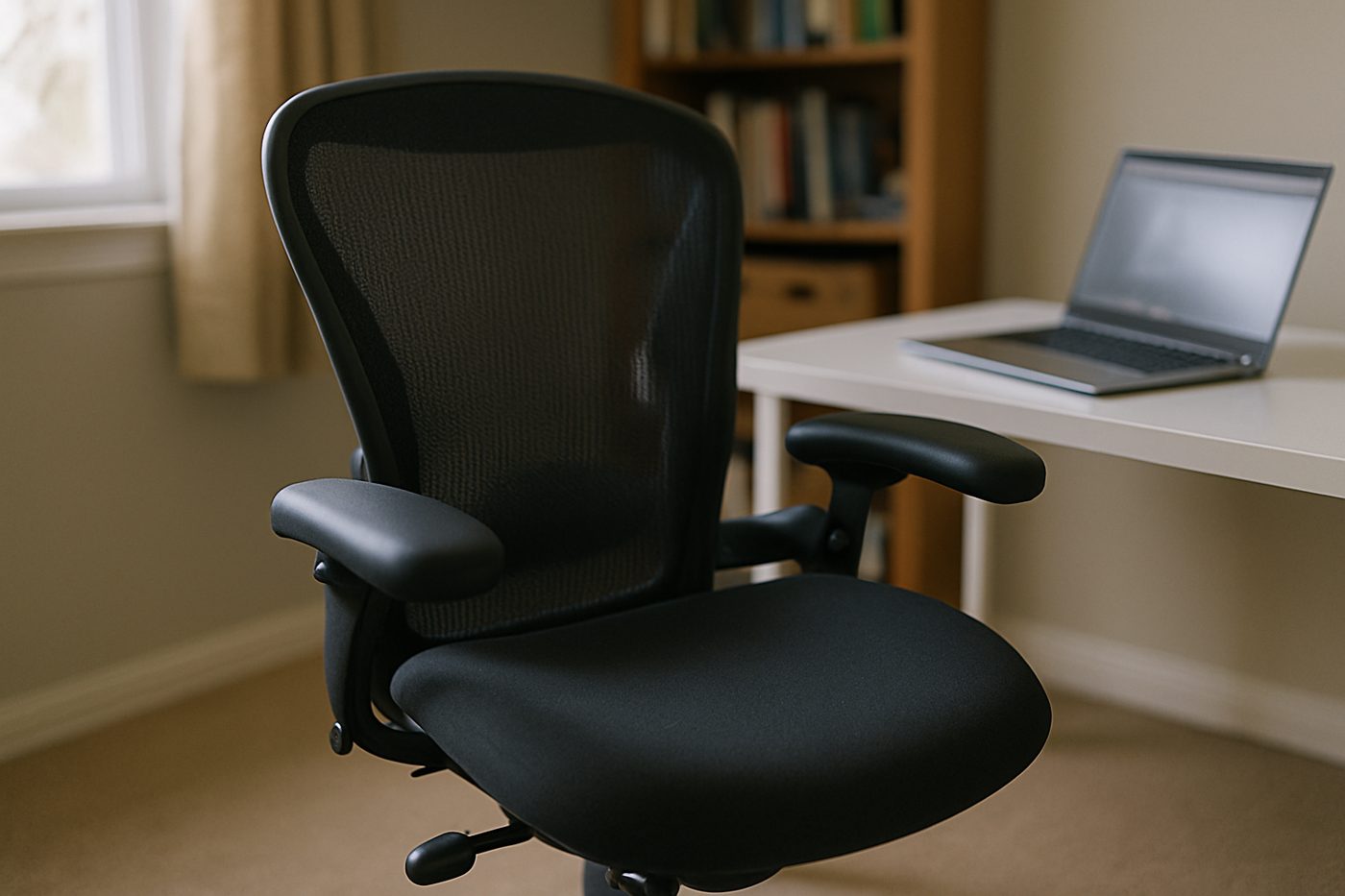 Worth It
HON Ignition 2.0 Mid-Back Mesh Task Chair, Black
A wide, padded, adjustable chair from a company that mostly sells to offices, minus the showroom price.
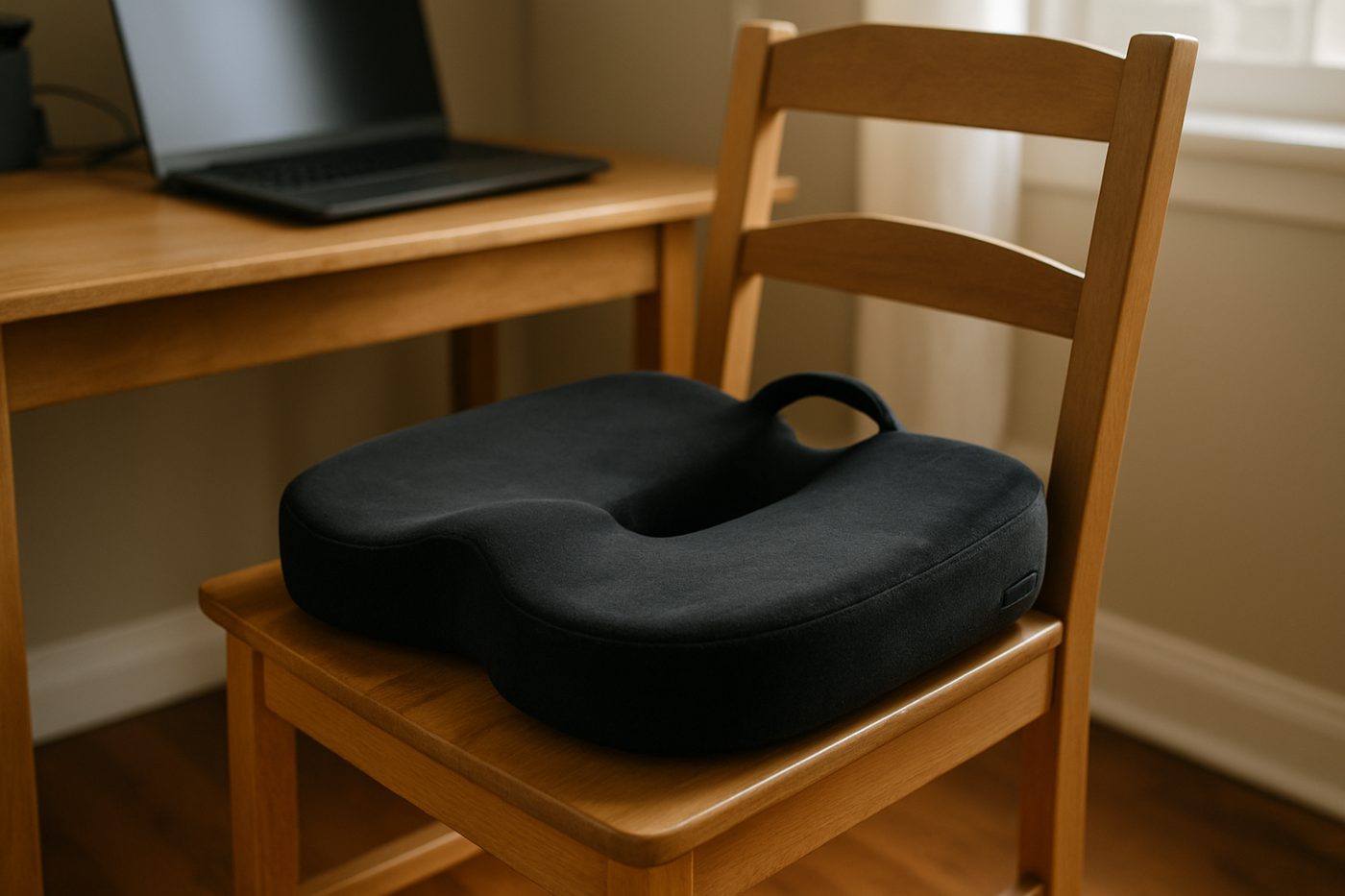 Good, With a Catch
Everlasting Comfort Memory Foam Seat Cushion, Black, Large
Takes the edge off a hard chair for a few months, then slowly stops.
Specifications
| Brand / model | Dell S2722QC |
|---|---|
| Size and resolution | 27 in, 3840 x 2160 |
| Panel | IPS, 60 Hz |
| USB-C power delivery | 65 W (manufacturer states) |
| Ports | USB-C, HDMI x2, USB-A hub |
| Stand | Height, tilt, pivot, swivel |
| Speakers | Two built-in |
Only specifications that affect the buying decision are listed. Figures marked “manufacturer states” are the maker's claims, not our measurements.
Warranty and returns
Dell states a three-year limited warranty with advanced exchange; returns are set by the retailer.
Reader questions
Will it charge a MacBook Pro?
Are the speakers usable?
Final verdict
Verdict: Wait for a Sale
Wait for a SaleThe value pick in 4K. Buy it for text and a one-cable desk and you will not think about it again.
- Best for
- Laptop users who want one cable for video and power and a very sharp text display.
- Skip if
- You edit photos for a living, or you game and want high refresh.
- Main strength
- Crisp 4K text, a single USB-C cable to a laptop, and a stand that adjusts properly.
- Main weakness
- Weak speakers, modest brightness, and the USB-C power is enough for a light laptop, not a heavy one.
As an Amazon Associate, Karen Verified earns from qualifying purchases. That never changes our verdict.
Update and correction history
- Published.Why: Initial evaluation.Verdict unchanged
See something wrong? Request a correction.
As an Amazon Associate, Karen Verified earns from qualifying purchases. If you buy through links on this site we may receive a commission. You do not pay more because of this. Affiliate relationships do not determine which products we evaluate, recommend, criticize, or reject. Brands cannot buy a Karen Verified verdict. Full affiliate disclosure. Photographs on this page illustrate the product in use and are not test evidence; see our image policy.