
LG 27UP850-W 27-inch UltraFine 4K USB-C Monitor Review
The Mac-friendly 4K that is not from Apple
As an Amazon Associate, Karen Verified earns from qualifying purchases. That never changes our verdict.
Verdict: Karen Verified
Karen VerifiedThe short answer: A bright, sharp, colour-rich 27-inch 4K with enough USB-C power for a big laptop and a look that suits a Mac. It is a very good general-purpose monitor with mediocre blacks and a token HDR badge.
- Buy it if
- MacBook users who want a sharp, bright screen with USB-C charging and decent colour.
- Skip it if
- You want deep blacks or a big USB hub.
- Best feature
- Bright panel, good colour coverage, 90 W USB-C charging, and a stand that pivots.
- Biggest annoyance
- Blacks are greyish in a dark room and the joystick menu is fiddly.
- The catch
- Its HDR badge is nominal; it gets bright, but it is not an HDR experience. Treat it as a very good SDR monitor with a bonus.
- Evaluation
- In use since October 2025
- Model
- LG 27UP850-W
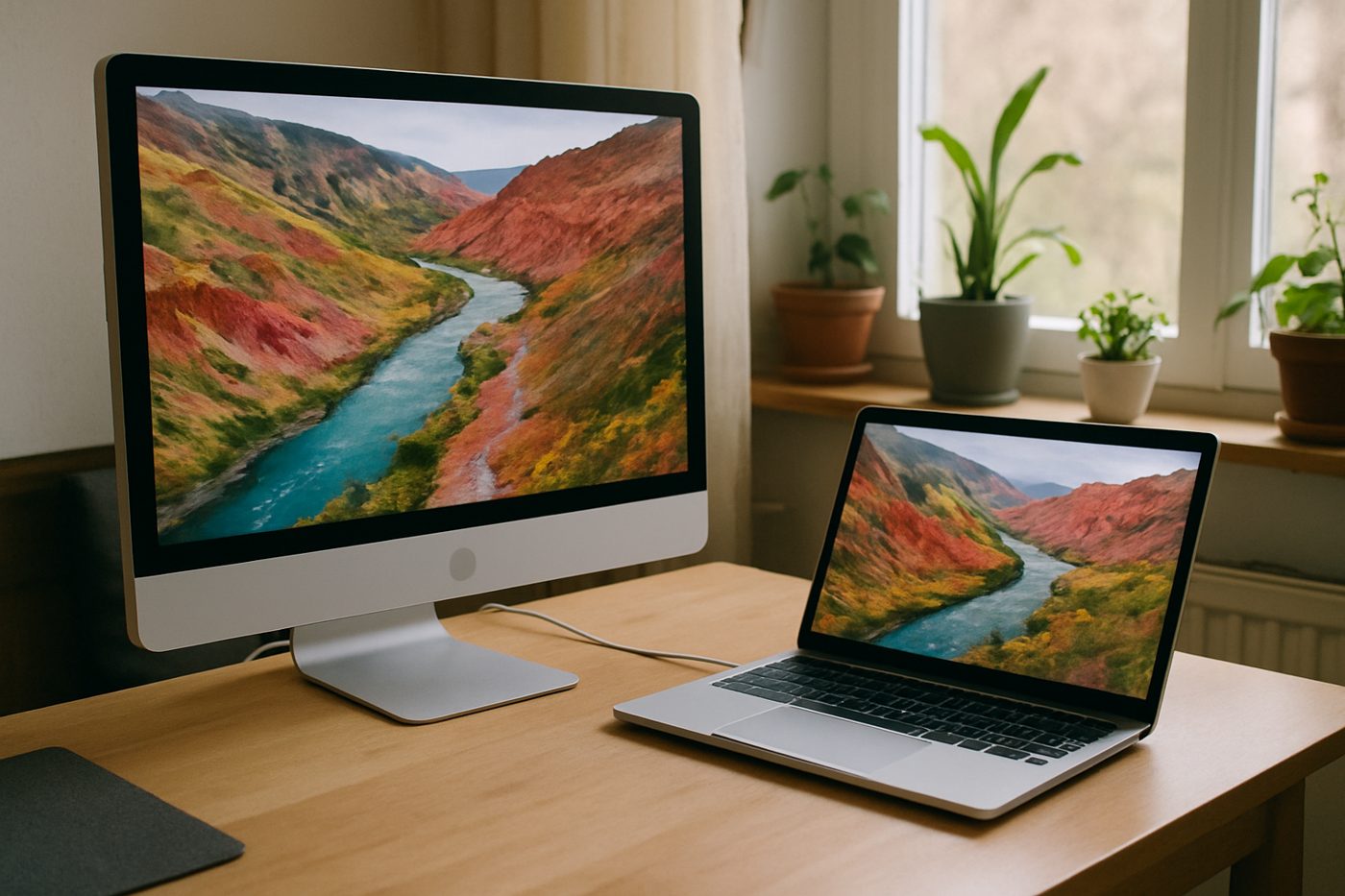
The 20-second verdict
The Mac-friendly 4K that is not from Apple A bright, sharp, colour-rich 27-inch 4K with enough USB-C power for a big laptop and a look that suits a Mac. It is a very good general-purpose monitor with mediocre blacks and a token HDR badge. Best for: MacBook users who want a sharp, bright screen with USB-C charging and decent colour. Skip if: You want deep blacks or a big USB hub.
What we loved, and what annoyed us
What we loved
- Bright enough for a sunny room
- Wide colour that flatters photos
- 90 W charging over USB-C
- Clean white-and-silver design
What annoyed us
- Blacks look grey in dim light
- Menu joystick is awkward
- Only two USB-A ports on the hub
What We Loved
This one lives in the room with the big window, and it is the only monitor we own that holds up against afternoon sun without the blinds. Photos look rich without looking fake, and macOS scales to it cleanly at the looks-like-1440p setting. The 90 W USB-C port kept a 16-inch MacBook Pro charging under a heavy export, which the 65 W monitors could not manage.
What Annoyed Us
In the evening with the lights off, dark scenes in a film go grey rather than black. The joystick under the bezel is small and the menu takes more presses than it should. Two USB-A ports is stingy for a monitor that wants to be a hub.
The Catch
HDR on the box, and it does technically accept an HDR signal and brighten. Without local dimming it cannot deliver the contrast HDR needs. Leave HDR off and enjoy it as a bright SDR panel.
Who it is for
- Mac users wanting a sharp external display
- Bright rooms
- Hobby photographers and designers
Who should skip it
- Film watching in a dark room
- Anyone needing Ethernet or lots of USB from the monitor
How we evaluated it
- Evaluation period
- Eleven months of daily use
- Where
- Home office with a large south-facing window
- What we did with it
- Writing, photo editing, design work, video calls, evening films
- Compared against
- The Dell UltraSharp U2723QE and an Apple Studio Display in a colleague's office
- What we looked at
- Brightness against window glare by eye, black level in a dark room, charging behaviour under load
- Limitations
- We did not test with a calibration probe or use the daisy-chain feature
- Product source
- Purchased at retail
- Dates
- October 2025 – ongoing
Read how we evaluate products and our editorial standards.
Performance
Sharpness is identical to other 27-inch 4K panels; brightness and colour are where it pulls ahead. Uniformity on ours is good with slight brightening at one corner visible only on a black screen. The 60 Hz refresh is fine for office and creative work. Charging is the most generous we have tested in this class.
Ease of use, design, and build quality
Ease of use
The stand goes up high and pivots for portrait. Inputs switch reasonably quickly. macOS treats it as a native display without fuss.
Design and build quality
White back, silver stand, thin bezels. It sits next to a Mac like it was designed for it and looks a little out of place next to black PC gear.
Privacy and connectivity
No app, no account, nothing to connect. LG's OnScreen Control software is optional.
Safety notes
Standard monitor. The base is light for its size; keep it away from the desk edge.
Cleaning, maintenance, and ongoing costs
Microfibre cloth. The white back shows dust.
What it keeps costing you
| Consumables | None |
|---|---|
| Expected life | Five years or more |
Value
It costs less than the Dell UltraSharp and much less than Apple's display, gives up the Dell's blacks and ports and Apple's speakers and webcam, and keeps the sharp, bright picture most people actually want.
Alternatives
The Dell UltraSharp U2723QE trades brightness for contrast and ports.
The Dell S2722QC is a step down in brightness and charging, and a big step down in price.
Also in Office & Desk
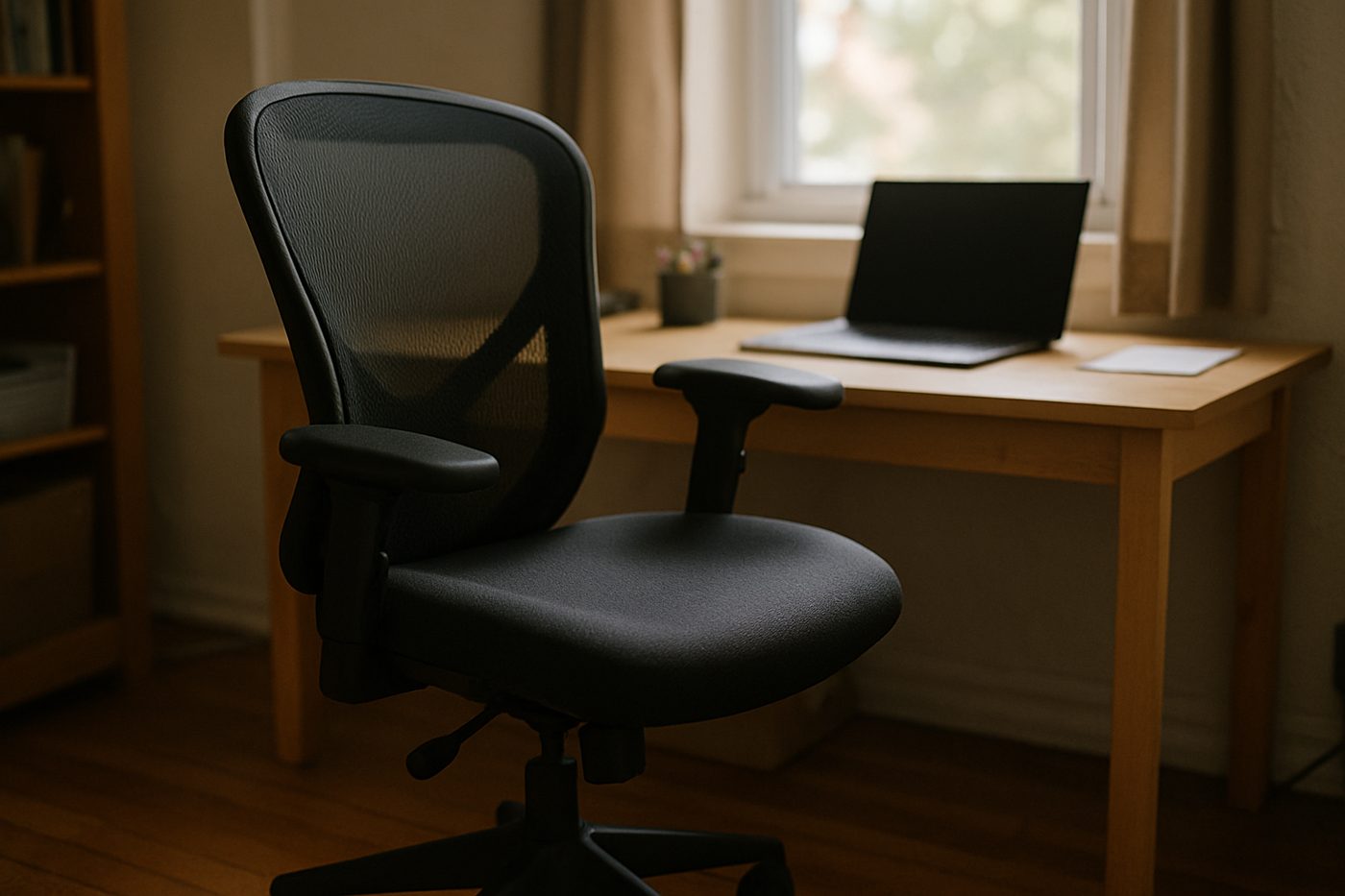 Karen Verified
Steelcase Series 1 Office Chair, Licorice
The least expensive chair from a serious office-furniture maker, and it feels like one.
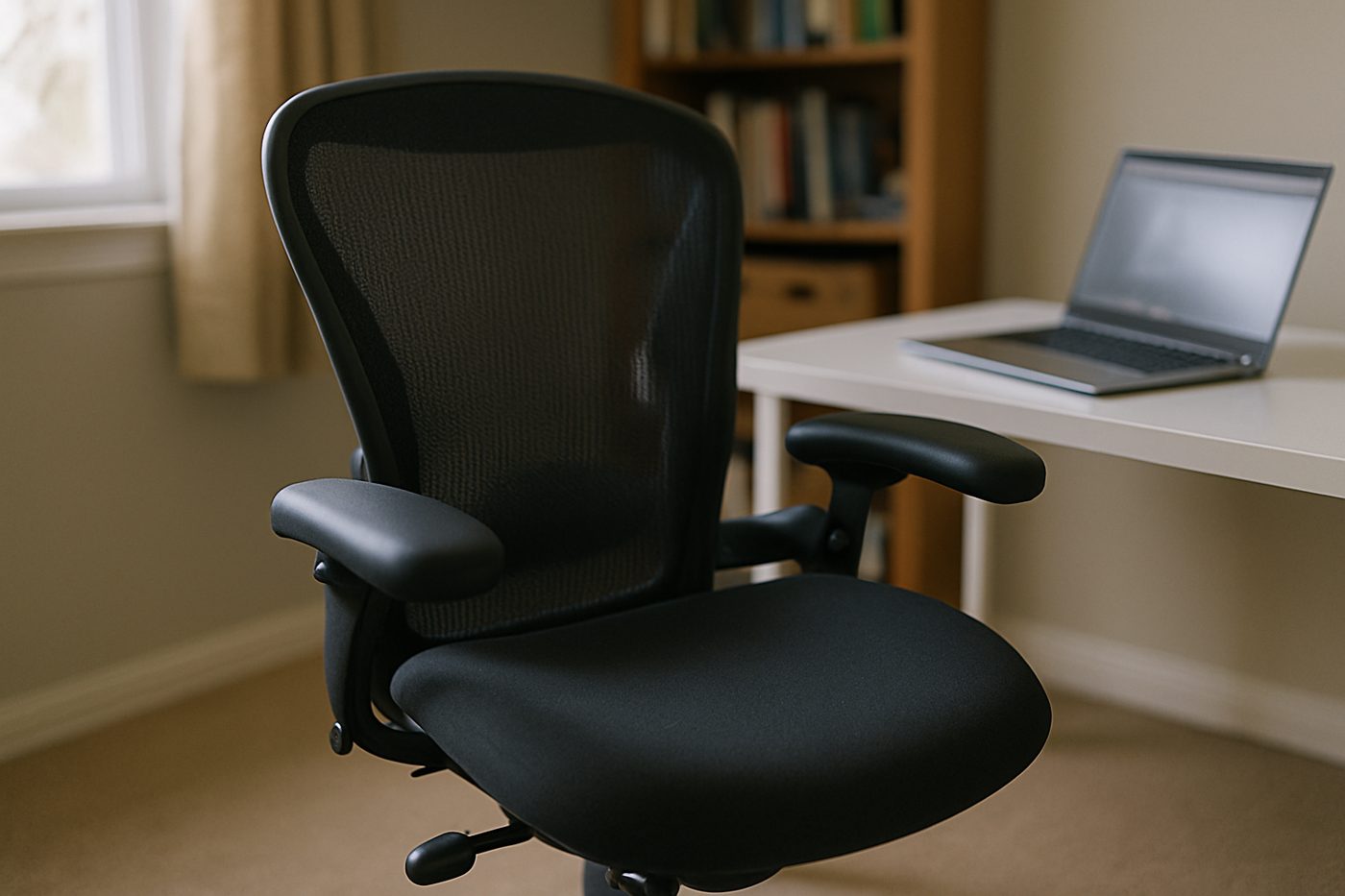 Worth It
HON Ignition 2.0 Mid-Back Mesh Task Chair, Black
A wide, padded, adjustable chair from a company that mostly sells to offices, minus the showroom price.
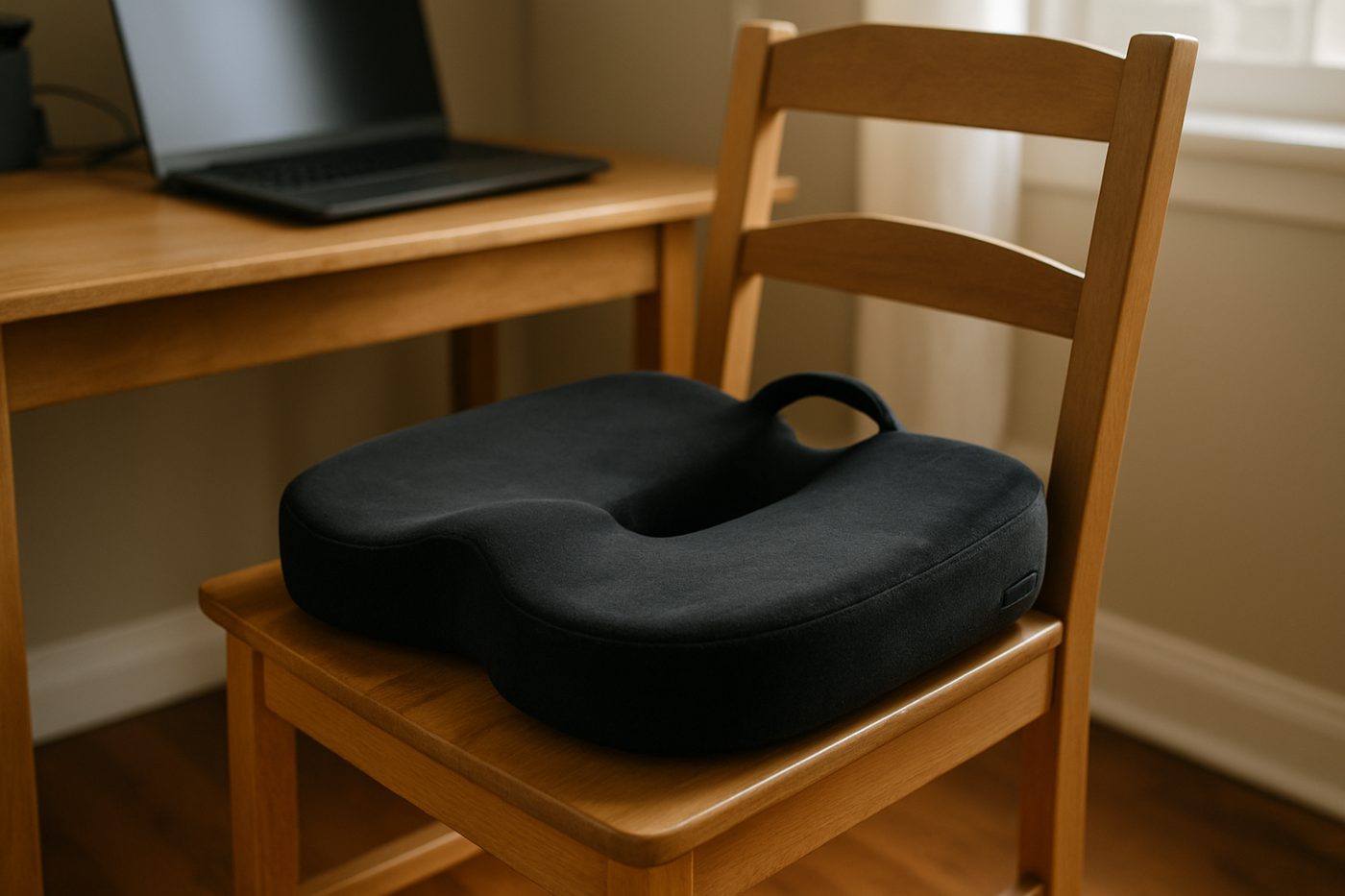 Good, With a Catch
Everlasting Comfort Memory Foam Seat Cushion, Black, Large
Takes the edge off a hard chair for a few months, then slowly stops.
Specifications
| Brand / model | LG 27UP850-W |
|---|---|
| Size and resolution | 27 in, 3840 x 2160 |
| Panel | IPS, 60 Hz |
| Colour | DCI-P3 95% typical (manufacturer states) |
| USB-C power delivery | 90 W (manufacturer states) |
| Ports | USB-C, DisplayPort, HDMI x2, USB-A x2 |
| Stand | Height, tilt, pivot |
Only specifications that affect the buying decision are listed. Figures marked “manufacturer states” are the maker's claims, not our measurements.
Warranty and returns
LG states a one-year limited warranty; returns are set by the retailer.
Reader questions
Does it work well with a MacBook?
Is the HDR worth using?
Final verdict
Verdict: Karen Verified
Karen VerifiedThe 4K for a bright room and a Mac. Turn HDR off and you will be happy.
- Best for
- MacBook users who want a sharp, bright screen with USB-C charging and decent colour.
- Skip if
- You want deep blacks or a big USB hub.
- Main strength
- Bright panel, good colour coverage, 90 W USB-C charging, and a stand that pivots.
- Main weakness
- Blacks are greyish in a dark room and the joystick menu is fiddly.
As an Amazon Associate, Karen Verified earns from qualifying purchases. That never changes our verdict.
Update and correction history
- Published.Why: Initial evaluation.Verdict unchanged
See something wrong? Request a correction.
As an Amazon Associate, Karen Verified earns from qualifying purchases. If you buy through links on this site we may receive a commission. You do not pay more because of this. Affiliate relationships do not determine which products we evaluate, recommend, criticize, or reject. Brands cannot buy a Karen Verified verdict. Full affiliate disclosure. Photographs on this page illustrate the product in use and are not test evidence; see our image policy.