
BenQ ScreenBar Pro Monitor Light Bar Review
Desk light without screen glare
As an Amazon Associate, Karen Verified earns from qualifying purchases. That never changes our verdict.
Verdict: Karen Verified
Karen VerifiedThe short answer: It lights the keyboard and the notebook, leaves the screen dark, turns on when you sit down and off when you leave. A year in it is the most-used light in the house. It is expensive for a lamp and worth it if you work in the dark.
- Buy it if
- Anyone working at a monitor in a dim room who is tired of a lamp reflecting off the screen.
- Skip it if
- Your room is already well lit, or you have a curved or very thin-bezelled monitor it will not sit on.
- Best feature
- Light falls on the desk, not the panel; auto-dimming; a motion sensor that switches it on when you sit down.
- Biggest annoyance
- Costs a lot for a lamp, and the clip does not fit every monitor.
- The catch
- It is a light bar, and there are cheaper ones that do most of the job. You are paying for the beam shape and the sensors, which are better here, and for the brand.
- Evaluation
- In use since September 2025
- Model
- BenQ ScreenBar Pro
The 20-second verdict
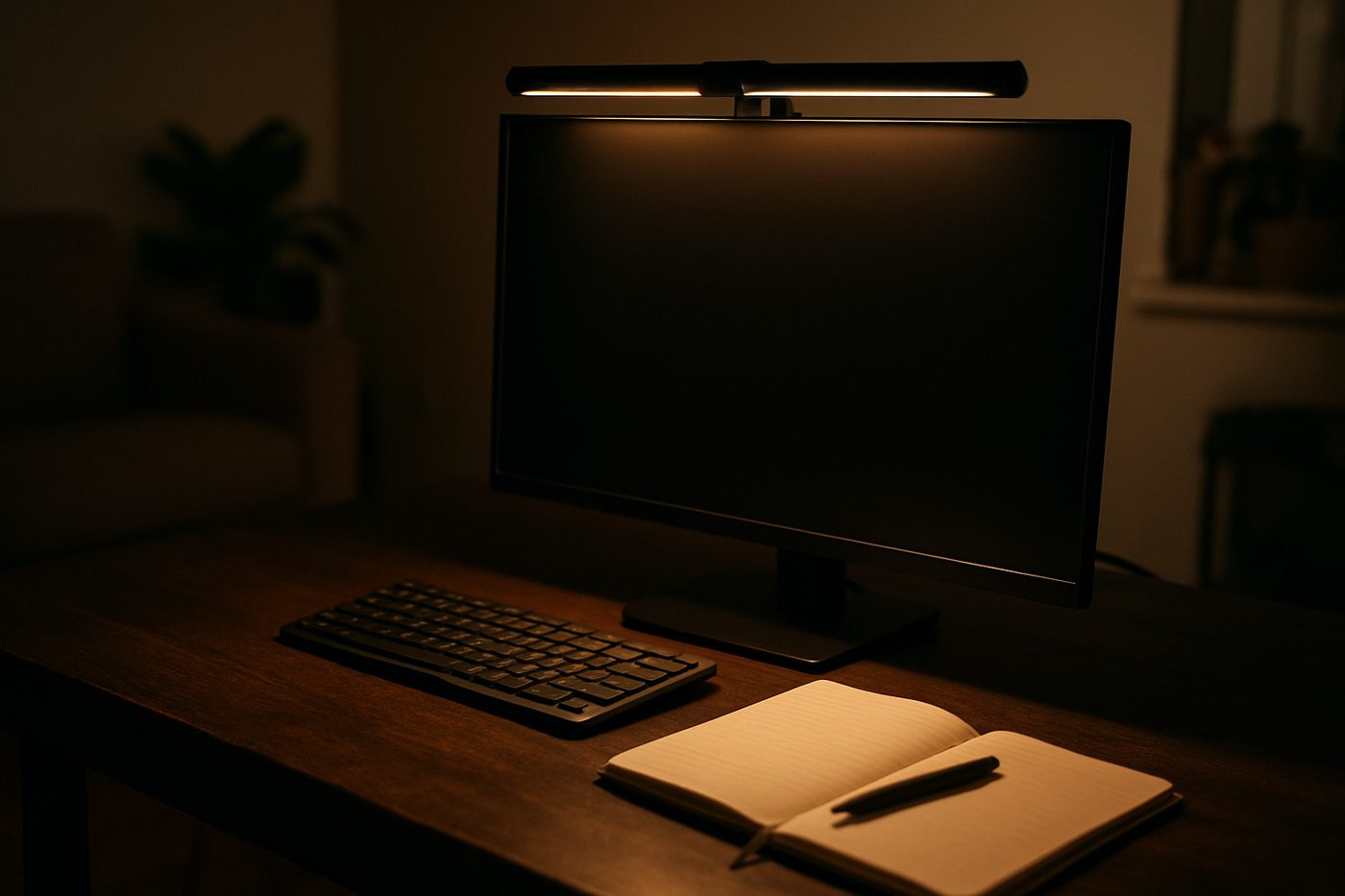
Desk light without screen glare It lights the keyboard and the notebook, leaves the screen dark, turns on when you sit down and off when you leave. A year in it is the most-used light in the house. It is expensive for a lamp and worth it if you work in the dark. Best for: Anyone working at a monitor in a dim room who is tired of a lamp reflecting off the screen. Skip if: Your room is already well lit, or you have a curved or very thin-bezelled monitor it will not sit on.
What we loved, and what annoyed us
What we loved
- No reflection on the screen
- Motion sensor turns it on and off
- Auto brightness works
- Takes no desk space
What annoyed us
- Expensive
- Clip does not suit every monitor
- Controls are on top, out of sight
What We Loved
Evening work used to mean a desk lamp bouncing off the monitor. This sits on top of the screen and throws a wedge of light forward onto the keyboard and the desk, and nothing lands on the panel. Sit down and it comes on; walk away for a few minutes and it goes off. The auto-dim keeps it soft at night and stronger on a grey afternoon, and we have not touched the buttons in months.
What Annoyed Us
The weighted clip sits on the monitor's top edge and fits our Dell and LG; a colleague's curved ultrawide would not take it. The touch controls are on top where you cannot see them. The price is the price of a decent desk lamp several times over.
The Catch
Cheaper light bars exist and light a desk adequately. What you pay for here is a beam that stops cleanly at the screen edge, a motion sensor that actually works, and build that has not loosened in a year. Whether that is worth the difference depends on how much of your day is after dark.
Who it is for
- Evening and early-morning desk work
- Small desks with no room for a lamp
- Anyone who reads paper next to a screen
Who should skip it
- Bright rooms
- Curved or unusually thin monitors
How we evaluated it
- Evaluation period
- Twelve months of daily use
- Where
- Home office, dim in the evenings, on a 27-inch flat monitor
- What we did with it
- Evening writing, reading paper documents, video calls with the bar as fill light
- Compared against
- The Quntis monitor light bar and a traditional swing-arm desk lamp
- What we looked at
- Whether any light reached the screen by eye, how the auto-dim responded to room changes, how reliably the motion sensor fired
- Limitations
- We did not test the Halo version with the rear ambient light
- Product source
- Purchased at retail
- Dates
- September 2025 – ongoing
Read how we evaluate products and our editorial standards.
Performance
The beam is the trick: bright on the desk, sharp cut-off at the screen edge. Colour temperature adjusts from warm to daylight and the warm end is pleasant late. The motion sensor triggers from arm's length and rarely misfires. Powered from the monitor's USB port it has never flickered.
Ease of use, design, and build quality
Ease of use
Touch the top to toggle, slide for brightness and colour. Set auto once. The cable runs down the back of the monitor.
Design and build quality
A slim black bar that disappears on top of a monitor. The weighted clip is a small cylinder. From the front you barely see it.
Privacy and connectivity
No app, no account, nothing to connect.
Safety notes
LEDs stay cool. The clip weight is heavy enough to hurt if it drops; seat it carefully.
Cleaning, maintenance, and ongoing costs
Dust the top. That is all.
What it keeps costing you
| Consumables | None |
|---|---|
| Expected life | Many years; LEDs and a clip |
Value
Against a good desk lamp it costs more and does the job better for screen work. Against the budget light bars it costs several times more and is better in ways you notice daily and not in ways a photo shows.
Alternatives
The Quntis monitor light bar does most of it with a cruder beam and no motion sensor.
The Lume Cube Edge 2.0 is an articulated desk lamp with a small footprint.
Also in Office & Desk
 Karen Verified
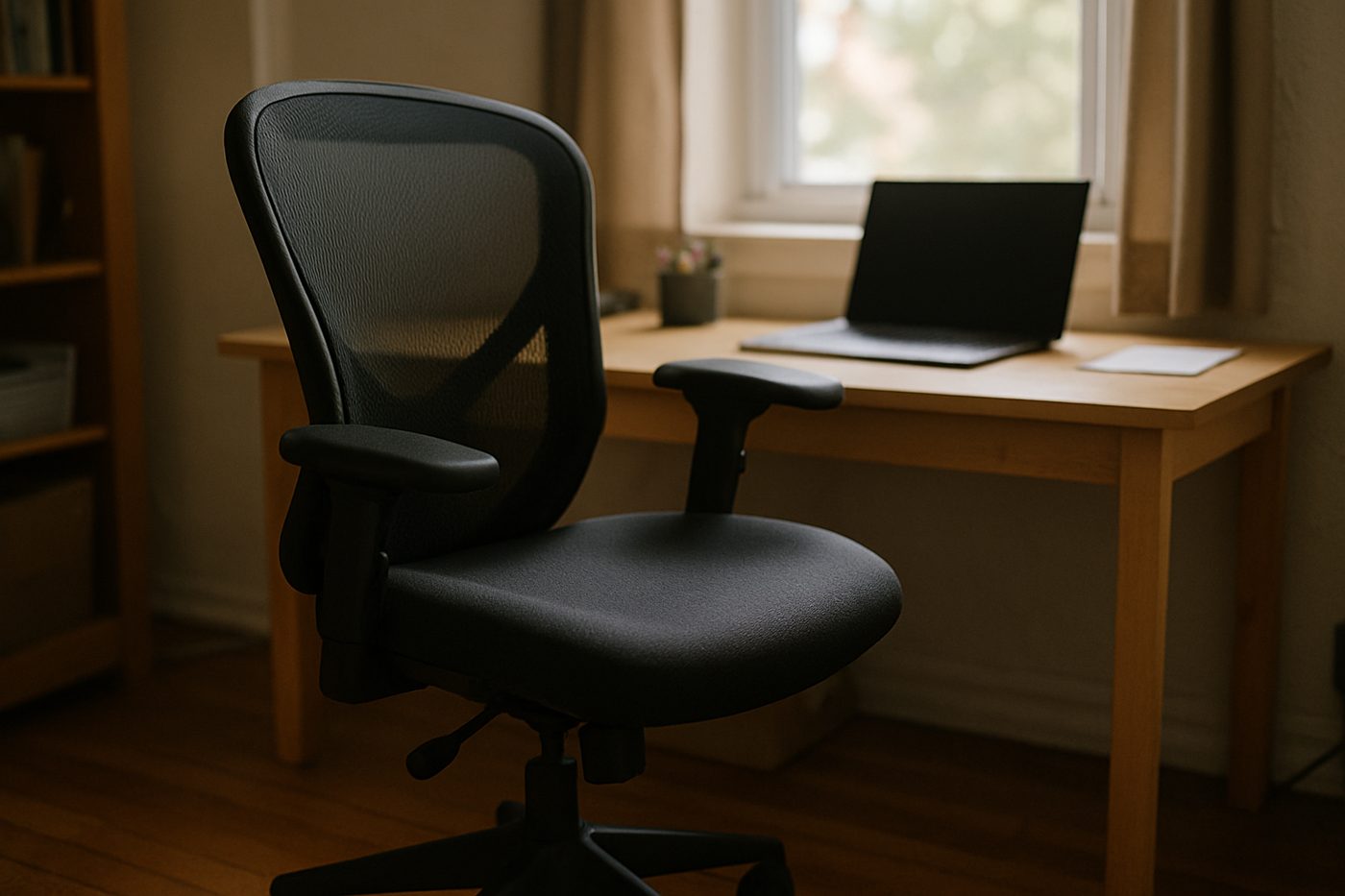
Steelcase Series 1 Office Chair, Licorice
The least expensive chair from a serious office-furniture maker, and it feels like one.
 Worth It
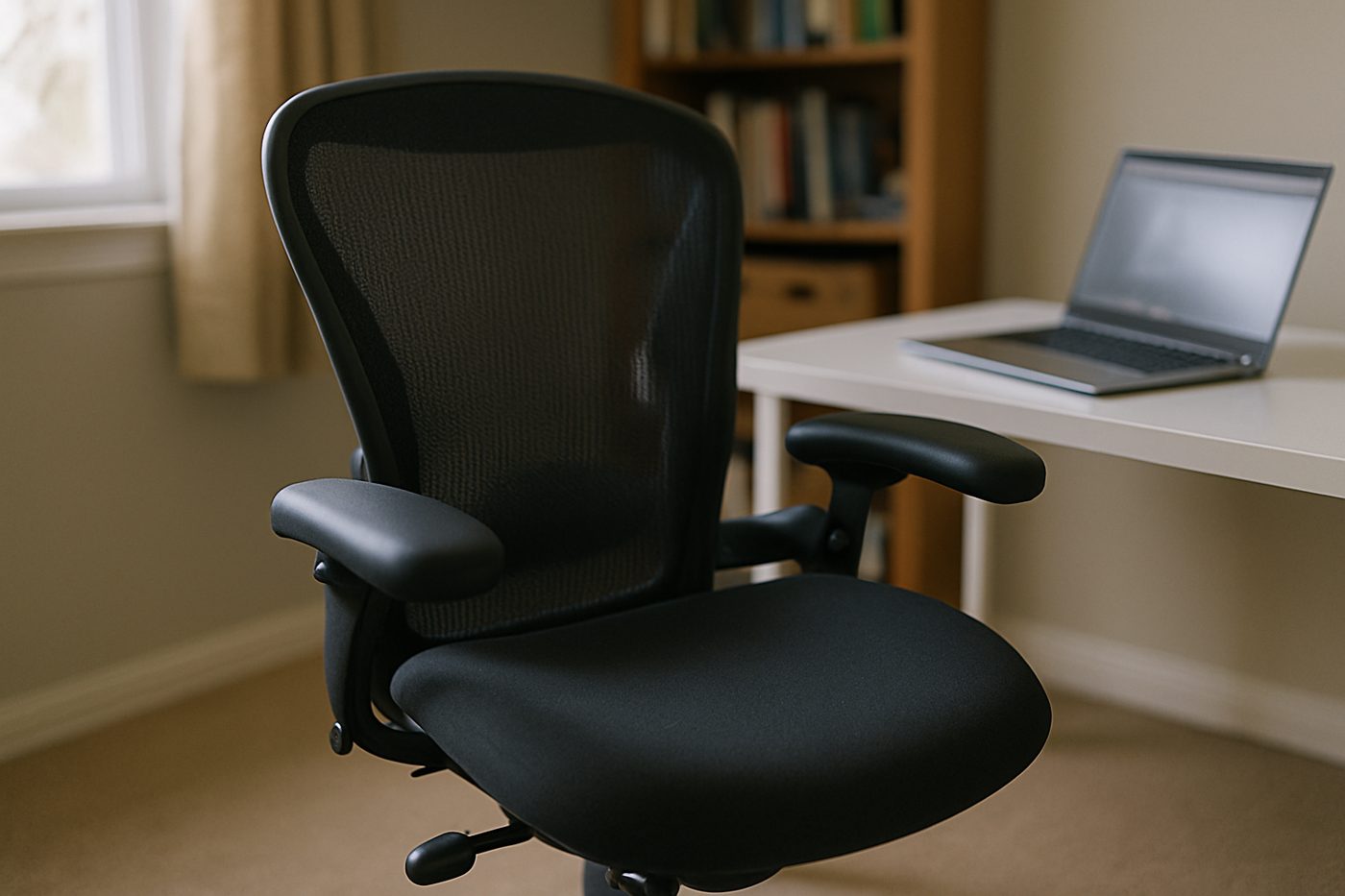
HON Ignition 2.0 Mid-Back Mesh Task Chair, Black
A wide, padded, adjustable chair from a company that mostly sells to offices, minus the showroom price.
 Good, With a Catch
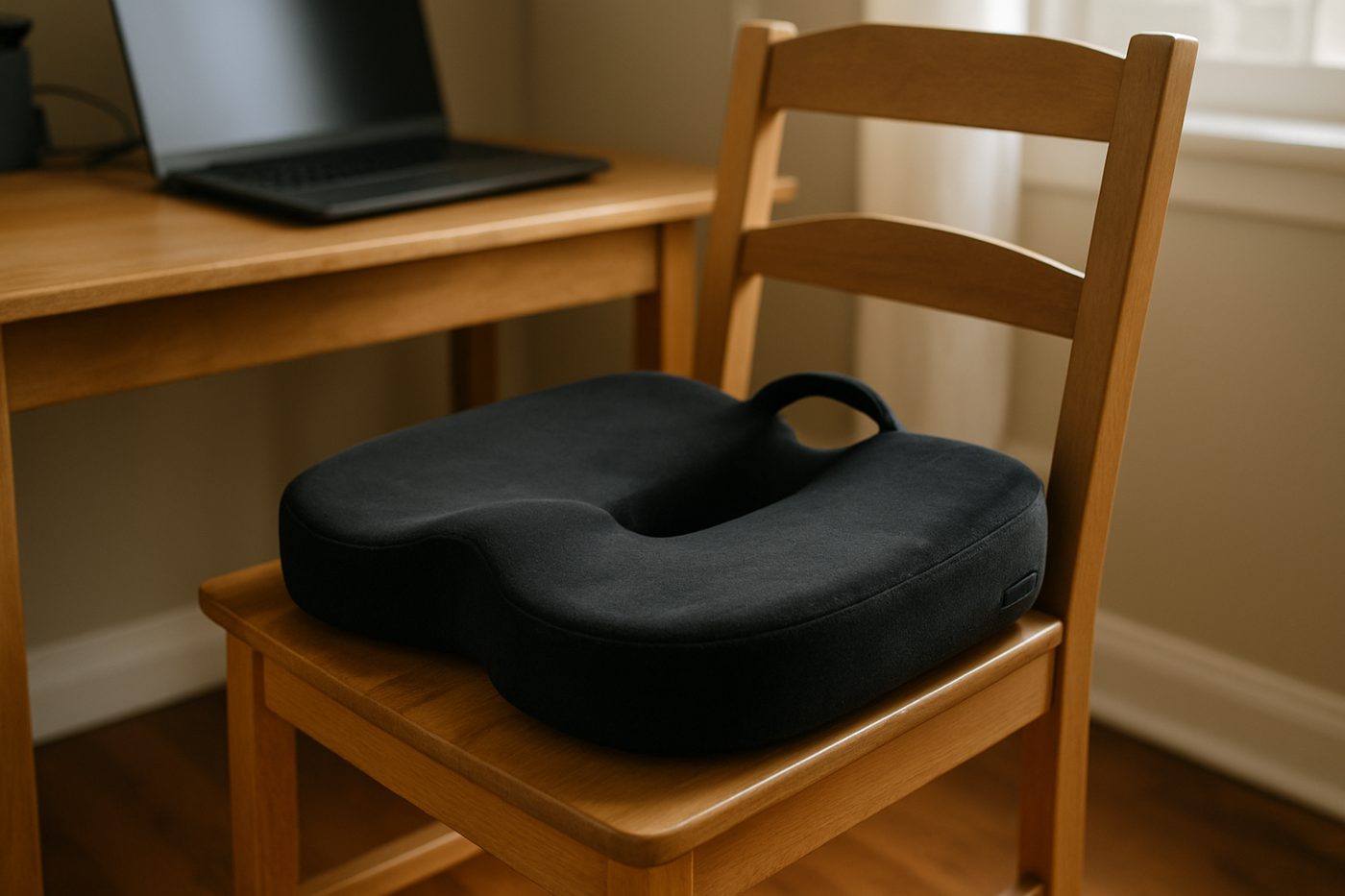
Everlasting Comfort Memory Foam Seat Cushion, Black, Large
Takes the edge off a hard chair for a few months, then slowly stops.
Specifications
| Brand / model | BenQ ScreenBar Pro |
|---|---|
| Mount | Weighted clip on top of monitor |
| Light | Asymmetric LED beam (manufacturer states) |
| Colour temperature | Adjustable warm to cool |
| Sensors | Ambient auto-dimming and motion on/off |
| Power | USB-C, from monitor or adapter |
| Width | About 20 in (manufacturer states) |
Only specifications that affect the buying decision are listed. Figures marked “manufacturer states” are the maker's claims, not our measurements.
Warranty and returns
BenQ states a limited warranty; returns are set by the retailer.
Reader questions
Does it fit a curved monitor?
Does it need its own power adapter?
Final verdict
Verdict: Karen Verified
Karen VerifiedVerified. The most expensive lamp we own and the one we would buy again first.
- Best for
- Anyone working at a monitor in a dim room who is tired of a lamp reflecting off the screen.
- Skip if
- Your room is already well lit, or you have a curved or very thin-bezelled monitor it will not sit on.
- Main strength
- Light falls on the desk, not the panel; auto-dimming; a motion sensor that switches it on when you sit down.
- Main weakness
- Costs a lot for a lamp, and the clip does not fit every monitor.
As an Amazon Associate, Karen Verified earns from qualifying purchases. That never changes our verdict.
Update and correction history
- Published.Why: Initial evaluation.Verdict unchanged
See something wrong? Request a correction.
As an Amazon Associate, Karen Verified earns from qualifying purchases. If you buy through links on this site we may receive a commission. You do not pay more because of this. Affiliate relationships do not determine which products we evaluate, recommend, criticize, or reject. Brands cannot buy a Karen Verified verdict. Full affiliate disclosure. Photographs on this page illustrate the product in use and are not test evidence; see our image policy.