
Logitech MX Master 3S Wireless Mouse Review
The default good mouse
As an Amazon Associate, Karen Verified earns from qualifying purchases. That never changes our verdict.
Verdict: Karen Verified
Karen VerifiedThe short answer: It fills a right hand, scrolls through a thousand-line document in a flick, clicks almost silently and charges about once a season. It is the mouse we compare other mice to, and the only real caveat is size.
- Buy it if
- Right-handed people who work at a desk all day and want a mouse they never think about.
- Skip it if
- You are left-handed, have small hands, or want a light mouse for games.
- Best feature
- The free-spinning scroll wheel, quiet clicks, a thumb wheel for horizontal scrolling and weeks of battery.
- Biggest annoyance
- Large, heavy, right-hand only, and the software is more than it needs to be.
- The catch
- It is a big mouse. Small hands do not reach the thumb buttons comfortably, and the shape leaves no room for a claw grip.
- Evaluation
- In use since September 2025
- Model
- Logitech MX Master 3S
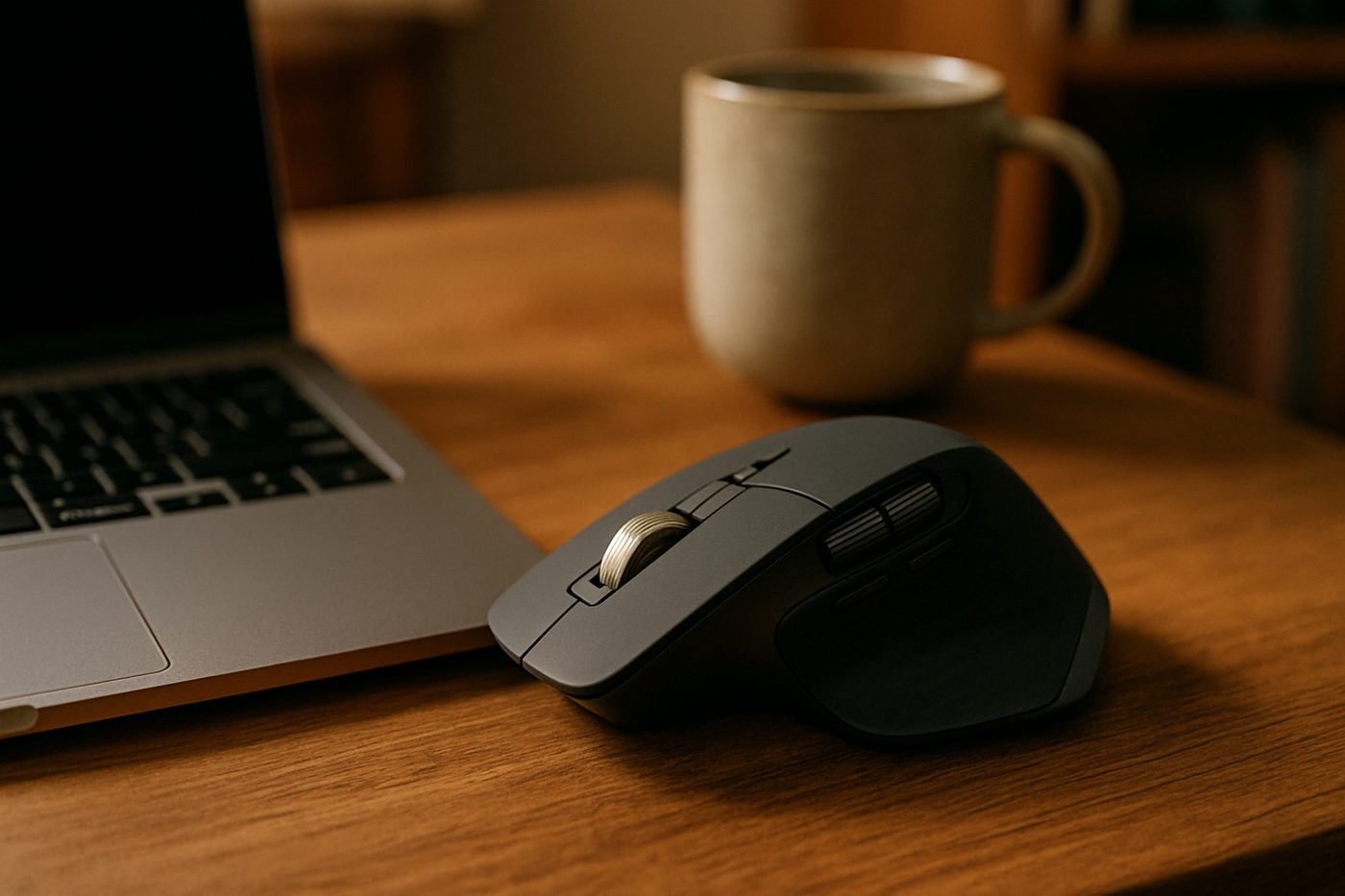
The 20-second verdict
The default good mouse It fills a right hand, scrolls through a thousand-line document in a flick, clicks almost silently and charges about once a season. It is the mouse we compare other mice to, and the only real caveat is size. Best for: Right-handed people who work at a desk all day and want a mouse they never think about. Skip if: You are left-handed, have small hands, or want a light mouse for games.
What we loved, and what annoyed us
What we loved
- Scroll wheel that spins free then ratchets
- Nearly silent clicks
- Long battery, USB-C charging
- Switches between three computers with a button
What annoyed us
- Large and heavy
- Right-handed only
- Logitech's software wants an account for some features
What We Loved
The scroll wheel changed how we read long documents. Flick it and it spins freely to the bottom of a spreadsheet; scroll slowly and it clicks through lines. The thumb wheel scrolls timelines and wide sheets sideways. Clicks are quiet enough to use on a call without muting. Twelve months in it has been charged perhaps five times, and switching between a work laptop and a home desktop is one button on the underside.
What Annoyed Us
It is a handful. A tester with smaller hands found the thumb buttons a stretch and the weight tiring by evening. The rubber coating on the sides is a fingerprint magnet. Logitech's Options+ software is required for custom buttons and nags about signing in.
The Catch
Size and handedness. There is no left-handed version and no small version with the same features. If the shape does not fit, none of the cleverness matters.
Who it is for
- All-day desk work on documents and spreadsheets
- People who switch between two or three computers
- Anyone who finds ordinary mice loud
Who should skip it
- Left-handed users and small hands
- Gamers who want something light and fast
How we evaluated it
- Evaluation period
- Twelve months of daily use
- Where
- Home office desk, wooden surface with and without a mat
- What we did with it
- Document work, spreadsheets, light photo editing, three-device switching, travel in a bag
- Compared against
- The previous MX Master 3, an Apple Magic Mouse and the Logitech M575S trackball
- What we looked at
- Battery intervals, click noise by ear on calls, tracking on wood and glass, hand fatigue by day's end
- Limitations
- We did not test the Mac-specific version or use it for gaming
- Product source
- Purchased at retail
- Dates
- September 2025 – ongoing
Read how we evaluate products and our editorial standards.
Performance
Tracking is precise on wood, paper and a glass side table. The free-spin wheel is the fastest way to move through long content we know. Buttons have a clean, low click. Bluetooth reconnects in a second on wake and the Bolt receiver has been faultless.
Ease of use, design, and build quality
Ease of use
Pair once, forget it. The device switch button underneath is slightly awkward but rarely needed. Gesture button under the thumb does window management once configured.
Design and build quality
A big sculpted grey-black shape with a metal wheel. It looks like a tool, sits well in a large hand, and dominates a small desk.
Privacy and connectivity
Works with no app at all. Logitech Options+ is optional for custom buttons and asks for an account for some cloud features, which you can decline.
Safety notes
Nothing to note. Lithium battery is sealed; charge with any USB-C cable.
Cleaning, maintenance, and ongoing costs
Wipe the rubber sides. Clean the sensor window occasionally. The wheel collects a little lint that blows out.
What it keeps costing you
| Consumables | None |
|---|---|
| Expected life | Five years or more; the previous model is still going after six |
Value
Costs about what a mid-range mechanical keyboard does and lasts as long. Cheaper mice do the clicking; none we have used do the scrolling.
Alternatives
The Logitech MX Anywhere 3S has the same wheel in a compact body.
The Logitech Ergo M575S trackball keeps the hand in one place.
Also in Office & Desk
 Karen Verified
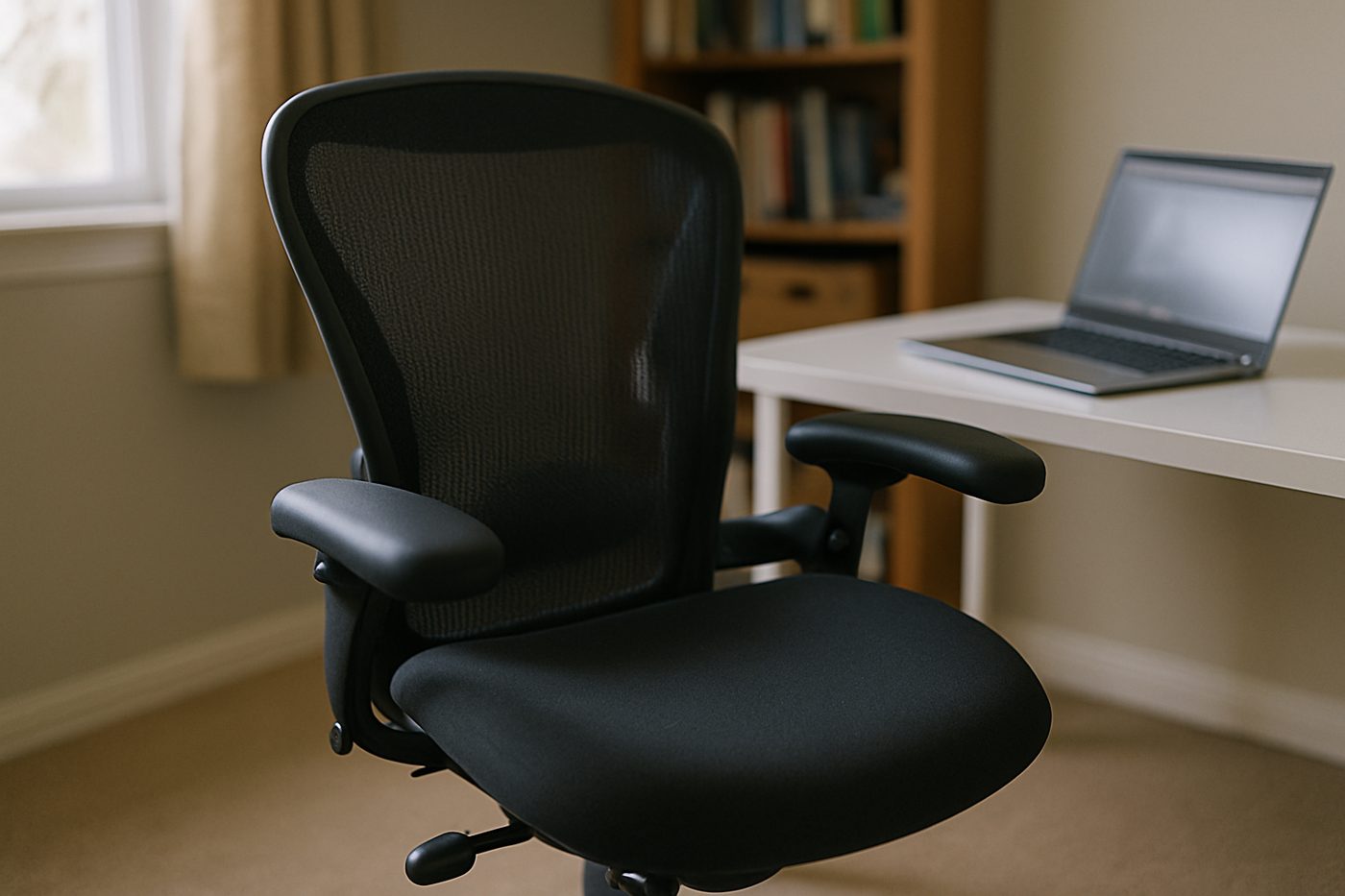
Steelcase Series 1 Office Chair, Licorice
The least expensive chair from a serious office-furniture maker, and it feels like one.
 Worth It
HON Ignition 2.0 Mid-Back Mesh Task Chair, Black
A wide, padded, adjustable chair from a company that mostly sells to offices, minus the showroom price.
 Good, With a Catch
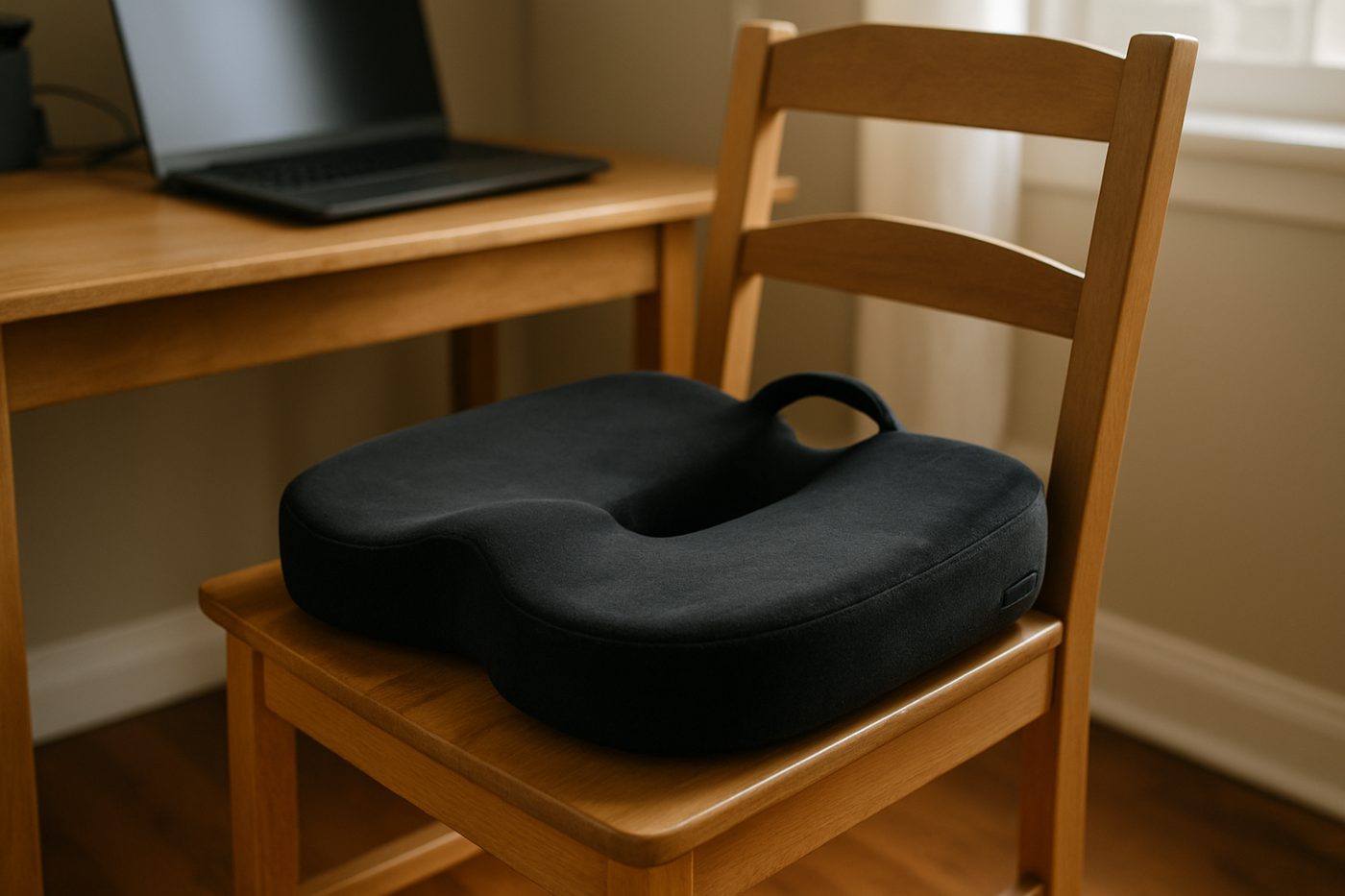
Everlasting Comfort Memory Foam Seat Cushion, Black, Large
Takes the edge off a hard chair for a few months, then slowly stops.
Specifications
| Brand / model | Logitech MX Master 3S |
|---|---|
| Connection | Bluetooth or Logi Bolt USB receiver |
| Devices | Pairs with 3, switch via button |
| Sensor | Up to 8000 DPI, tracks on glass (manufacturer states) |
| Battery | Rechargeable via USB-C, up to 70 days (manufacturer states) |
| Scroll | MagSpeed electromagnetic wheel plus thumb wheel |
| Weight | About 141 g (manufacturer states) |
Only specifications that affect the buying decision are listed. Figures marked “manufacturer states” are the maker's claims, not our measurements.
Warranty and returns
Logitech states a limited hardware warranty; returns are set by the retailer.
Reader questions
Does it need the software?
Is it good for small hands?
Final verdict
Verdict: Karen Verified
Karen VerifiedVerified. If it fits your hand, it is the last mouse you buy for a while.
- Best for
- Right-handed people who work at a desk all day and want a mouse they never think about.
- Skip if
- You are left-handed, have small hands, or want a light mouse for games.
- Main strength
- The free-spinning scroll wheel, quiet clicks, a thumb wheel for horizontal scrolling and weeks of battery.
- Main weakness
- Large, heavy, right-hand only, and the software is more than it needs to be.
As an Amazon Associate, Karen Verified earns from qualifying purchases. That never changes our verdict.
Update and correction history
- Published.Why: Initial evaluation.Verdict unchanged
See something wrong? Request a correction.
As an Amazon Associate, Karen Verified earns from qualifying purchases. If you buy through links on this site we may receive a commission. You do not pay more because of this. Affiliate relationships do not determine which products we evaluate, recommend, criticize, or reject. Brands cannot buy a Karen Verified verdict. Full affiliate disclosure. Photographs on this page illustrate the product in use and are not test evidence; see our image policy.